A Hang Lasts a Few Weeks
A gallery is a space that keeps changing. Works arrive, hang for the length of a show, sell, and leave. What the room looked like on a given day, and what was on which wall, is usually preserved in a handful of installation photographs.
Those photographs answer one question: what did it look like from here? They do not let a collector in another city walk the room, stand in front of a piece, or see how its surface catches the light. And they say nothing about where a work hung in relation to the ones around it.
DTR Modern Galleries in SoHo, New York, was documented with RadianceView to keep both: the space as it was hung, and each work in it.
Two Captures
| The space | The works | |
|---|---|---|
| Tool | 3D scanner | iPhone |
| Covers | The whole gallery in one pass | One work at a time |
| Result | A Gaussian splat you can walk through | A 3D model or a set of photographs placed in 3D |
| Answers | Where does it hang? What is next to it? | What does the surface look like up close? |
The Space
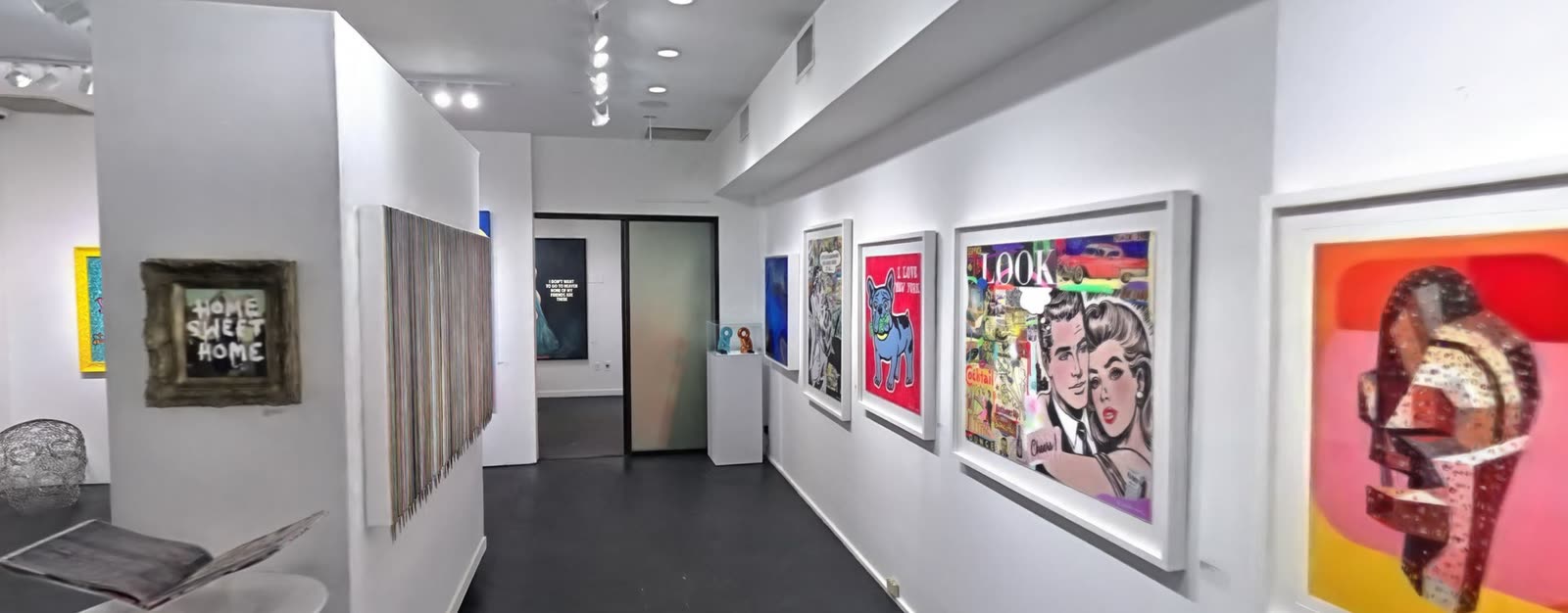
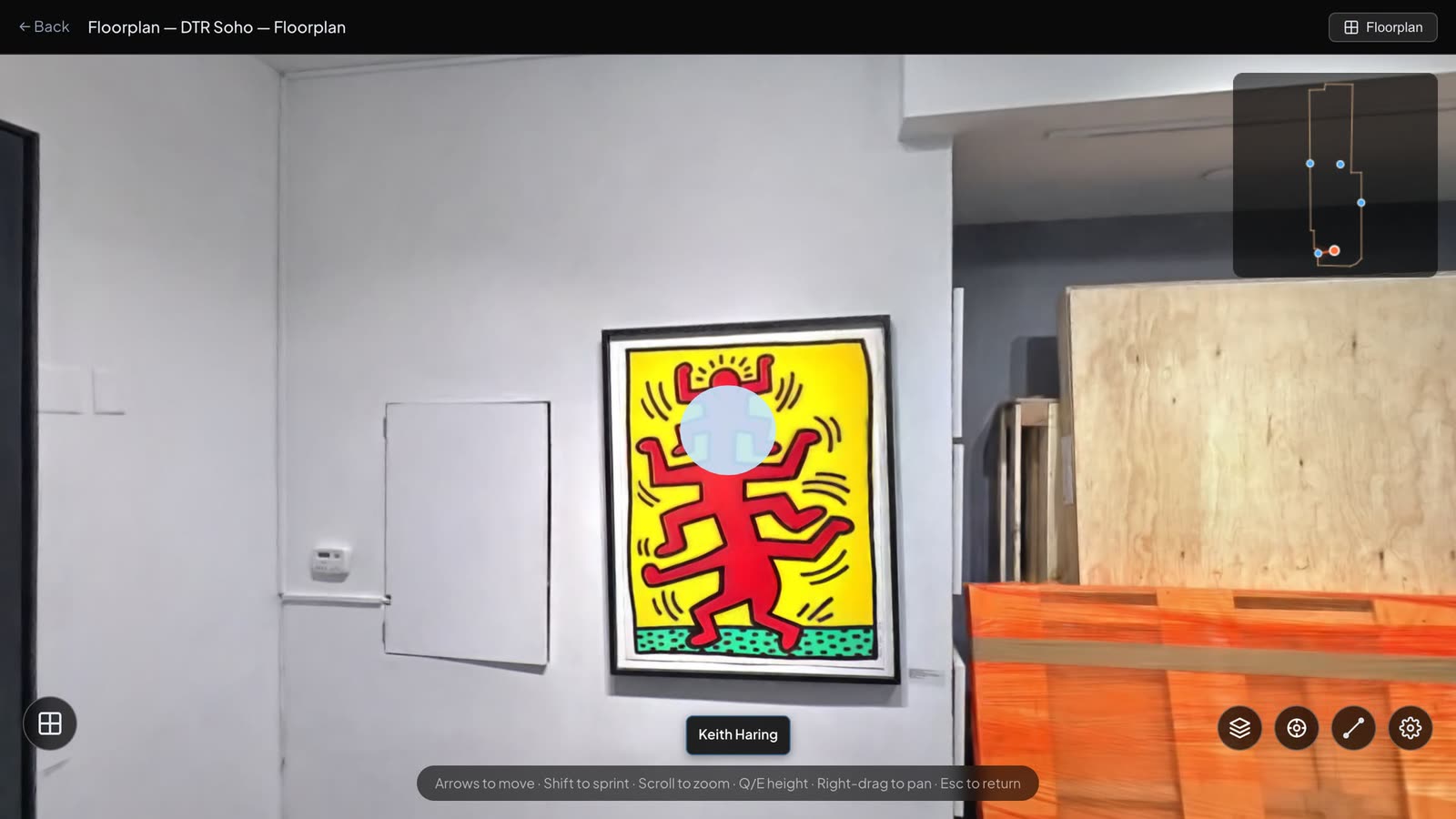
The gallery was scanned in a single pass and uploaded as one scene. In the browser you walk in from the street door and down the length of the room, past every wall, at the scale of the room itself.
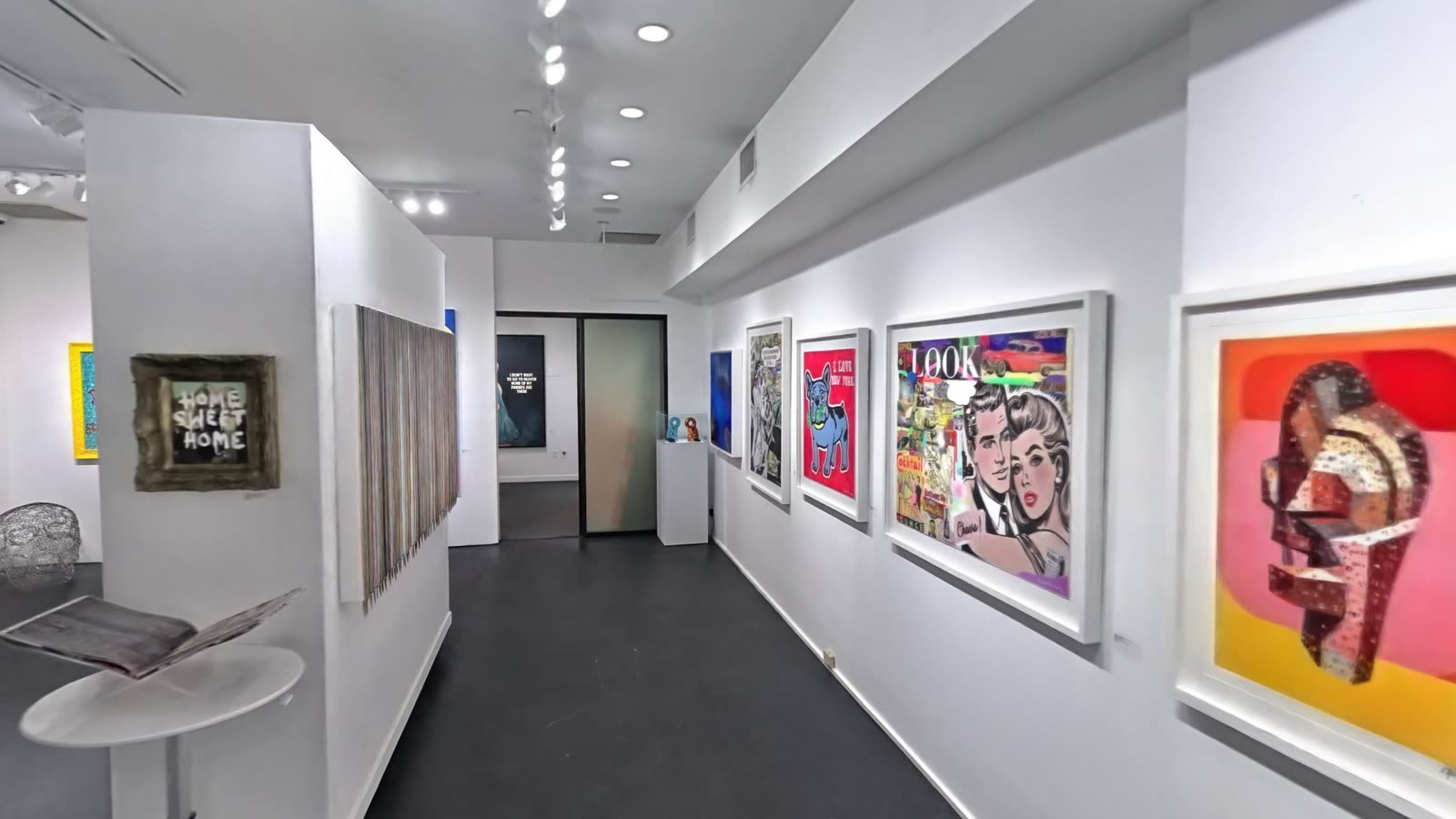
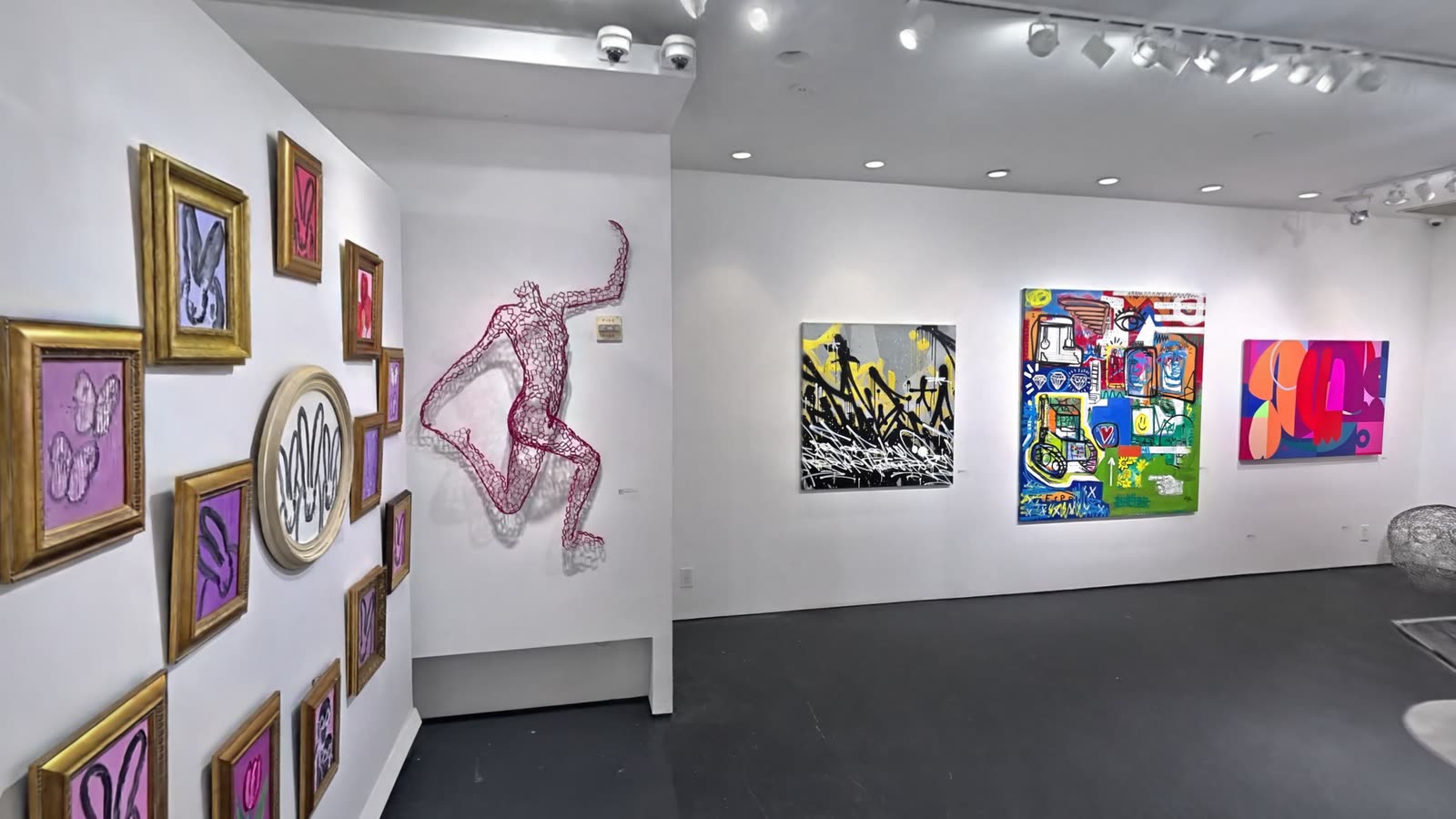
The scene is a record of the hang. Which works shared a wall, how far apart they were, what a visitor saw first on entering: all of it can be revisited after the show has come down.
A Plan Drawn over the Scan
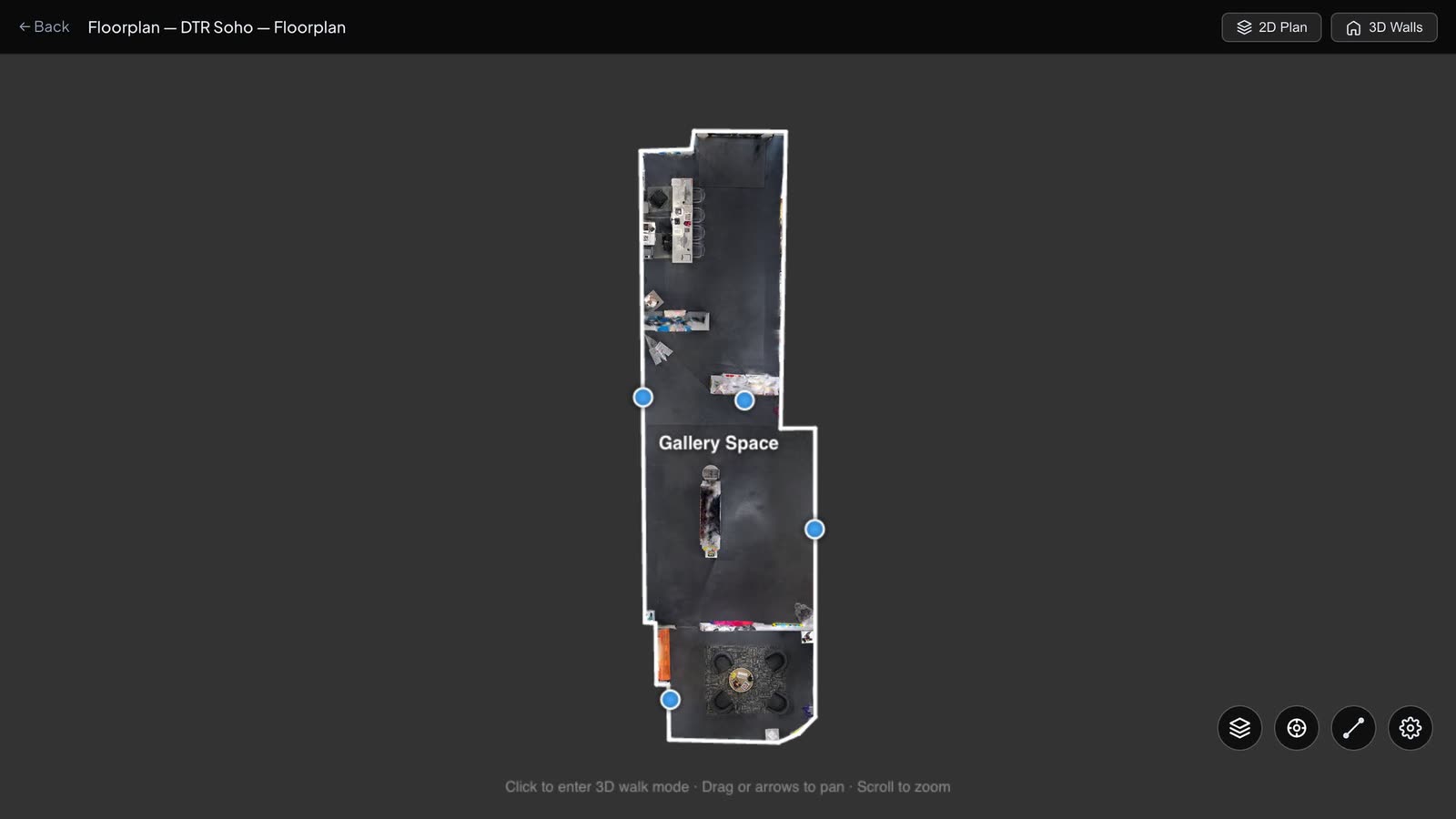
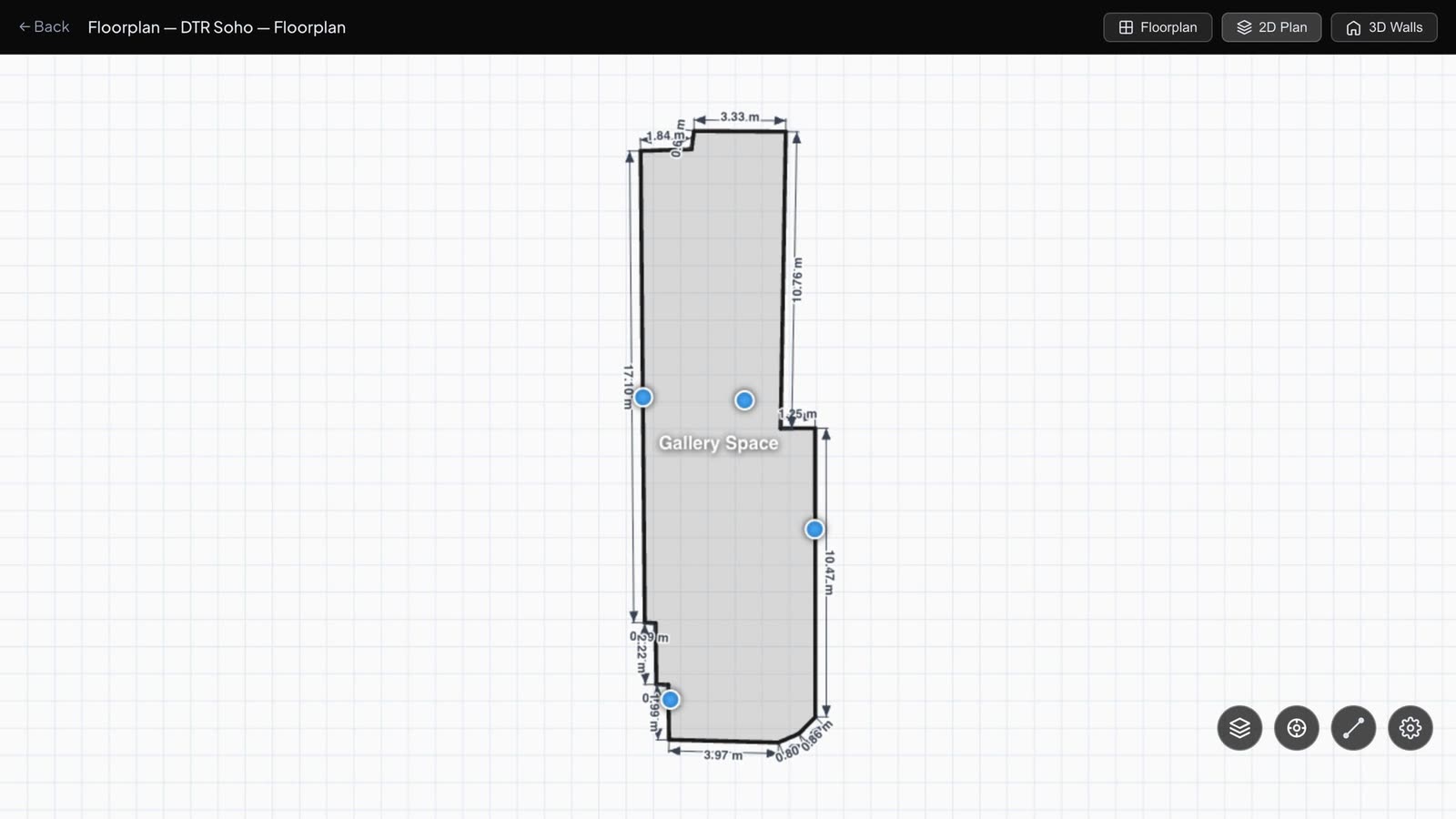
A floorplan was traced over a top-down view of the scan. The gallery measures 121 square metres, and the plan carries its dimensions.
The Works
Each work was then captured on its own with an iPhone, in the gallery, where it hangs.
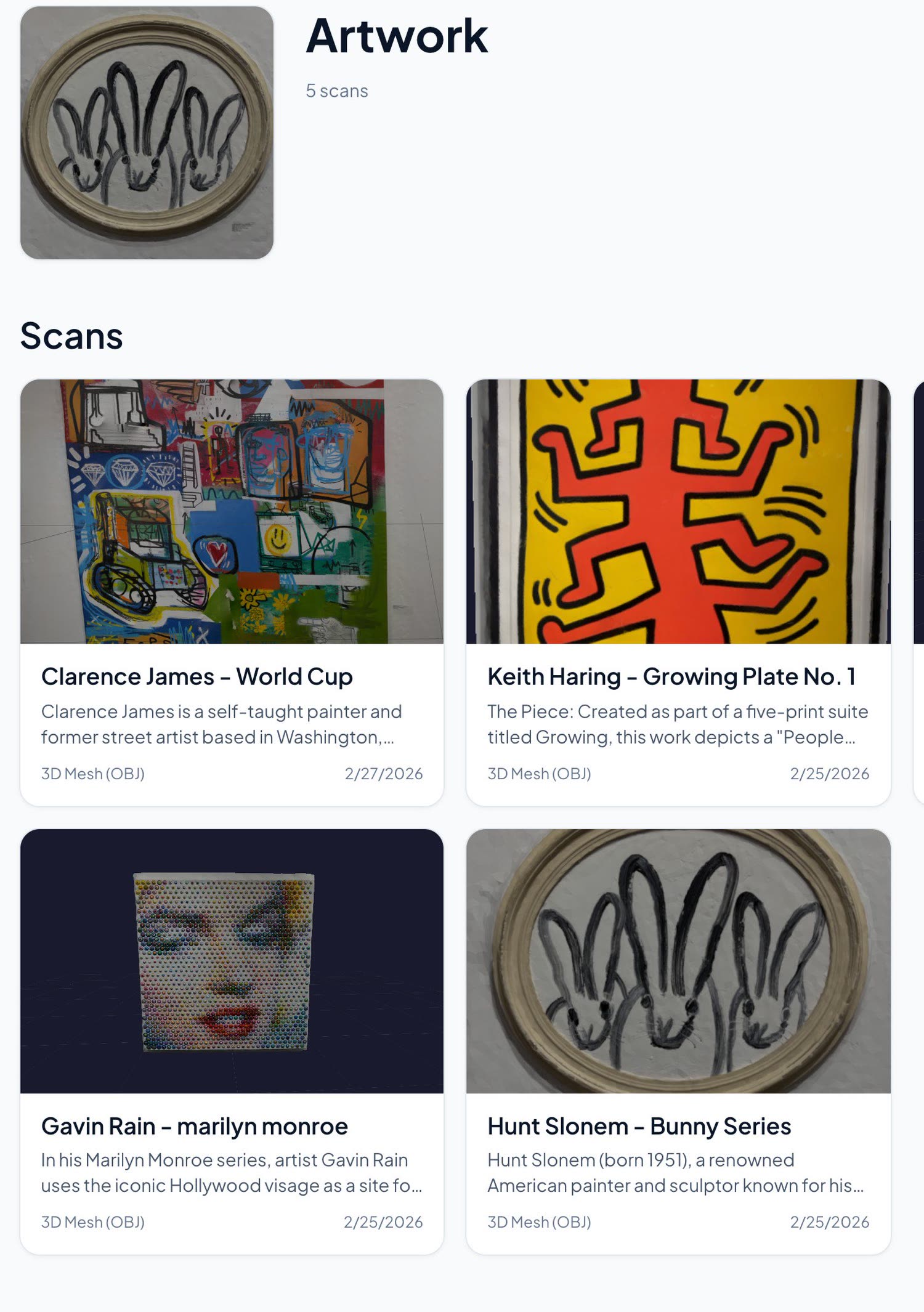
An iPhone capture produces one of two things. The first is a textured 3D model of the work, a few megabytes in size. The second is a set of full-resolution photographs, each placed in 3D at the position the phone was in when it was taken.
| Work | Capture |
|---|---|
| Keith Haring, Growing Plate No. 1 | 3D model |
| Hunt Slonem, Bunny Series | 3D model |
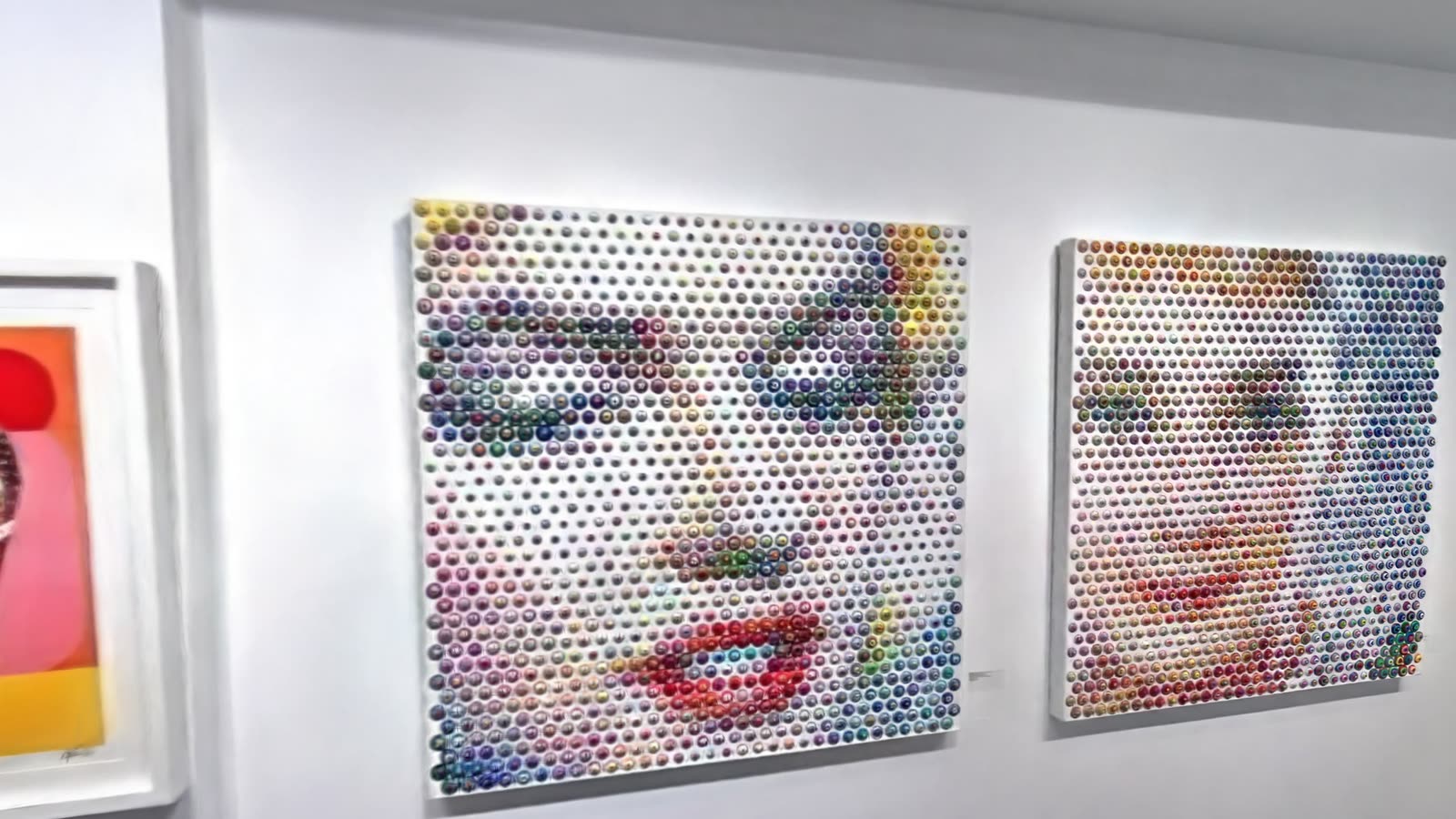
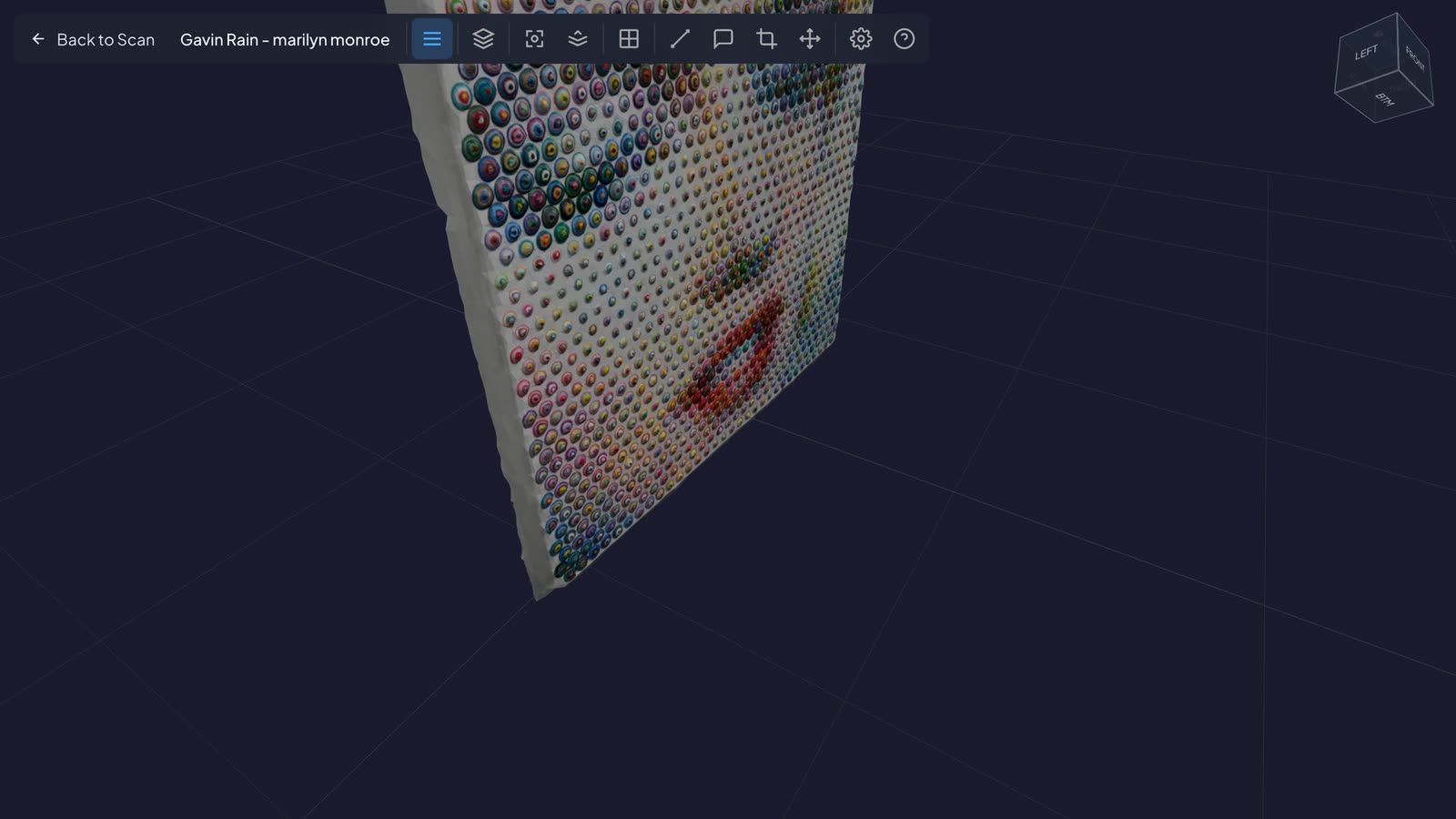
| Gavin Rain, Marilyn Monroe | 3D model, and a set of 39 photographs |
| Clarence James, World Cup | 3D model |
Why a Phone
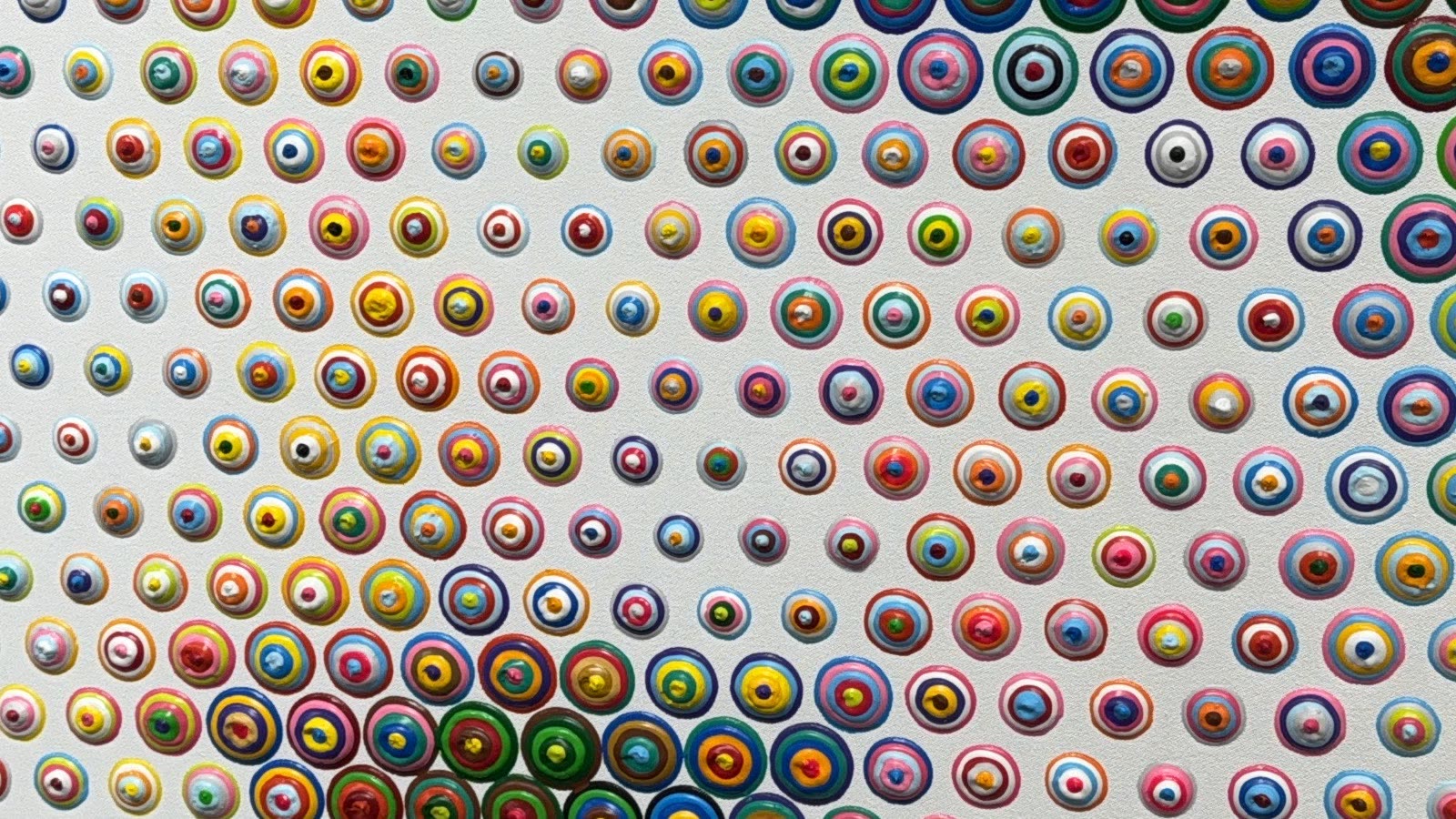
The surface is part of the work. Gavin Rain's portrait is built from concentric dots of paint, each one raised from the panel. A flat photograph shows the face. The 3D model shows that the face is made of objects.
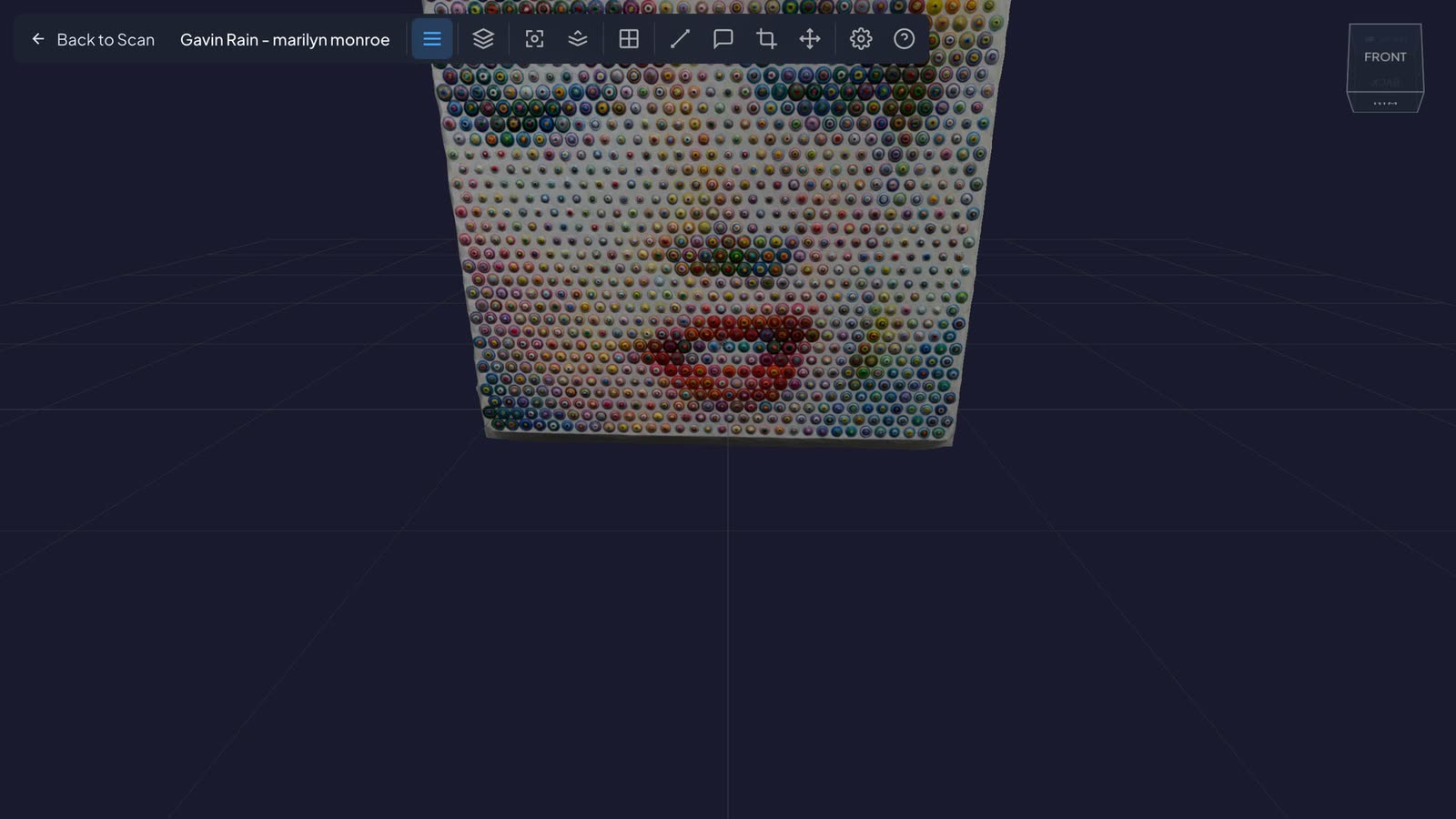
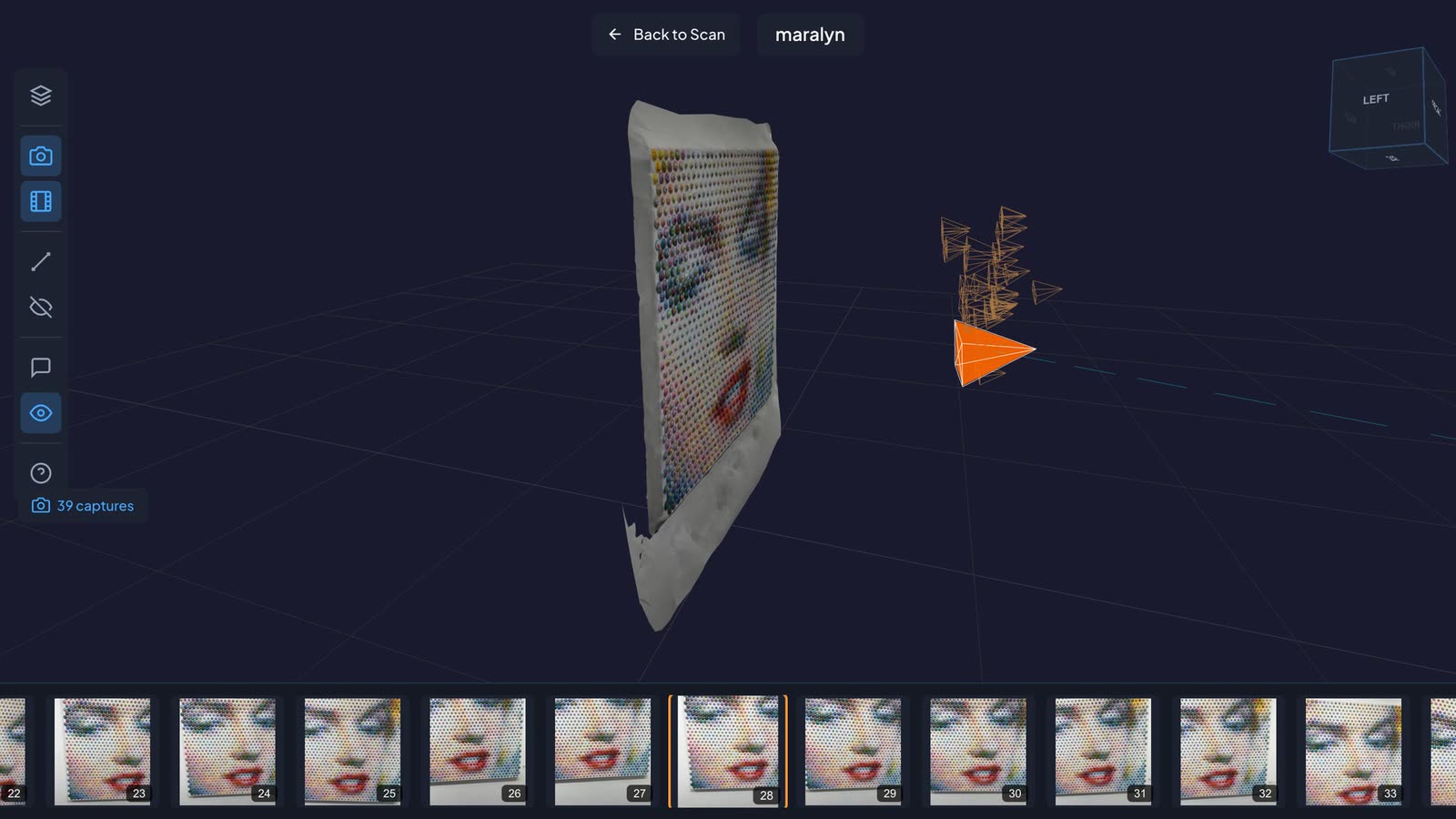
The originals are kept. The photo set for the same work holds 39 photographs at 3024 x 4032 pixels. The viewer shows the model with the camera positions around it. Select a position and the photograph taken from there opens at full resolution.
Anyone in the gallery can do it. A work that arrives on Tuesday can be on the record on Tuesday.
It keeps pace with the hang. The room scan shows the gallery on the day it was scanned. Works that arrive later are added one at a time, without scanning the room again.
Tying Them Together
Four markers sit on the floorplan, each at the position of a work. A marker shows the work's thumbnail and offers two ways on.
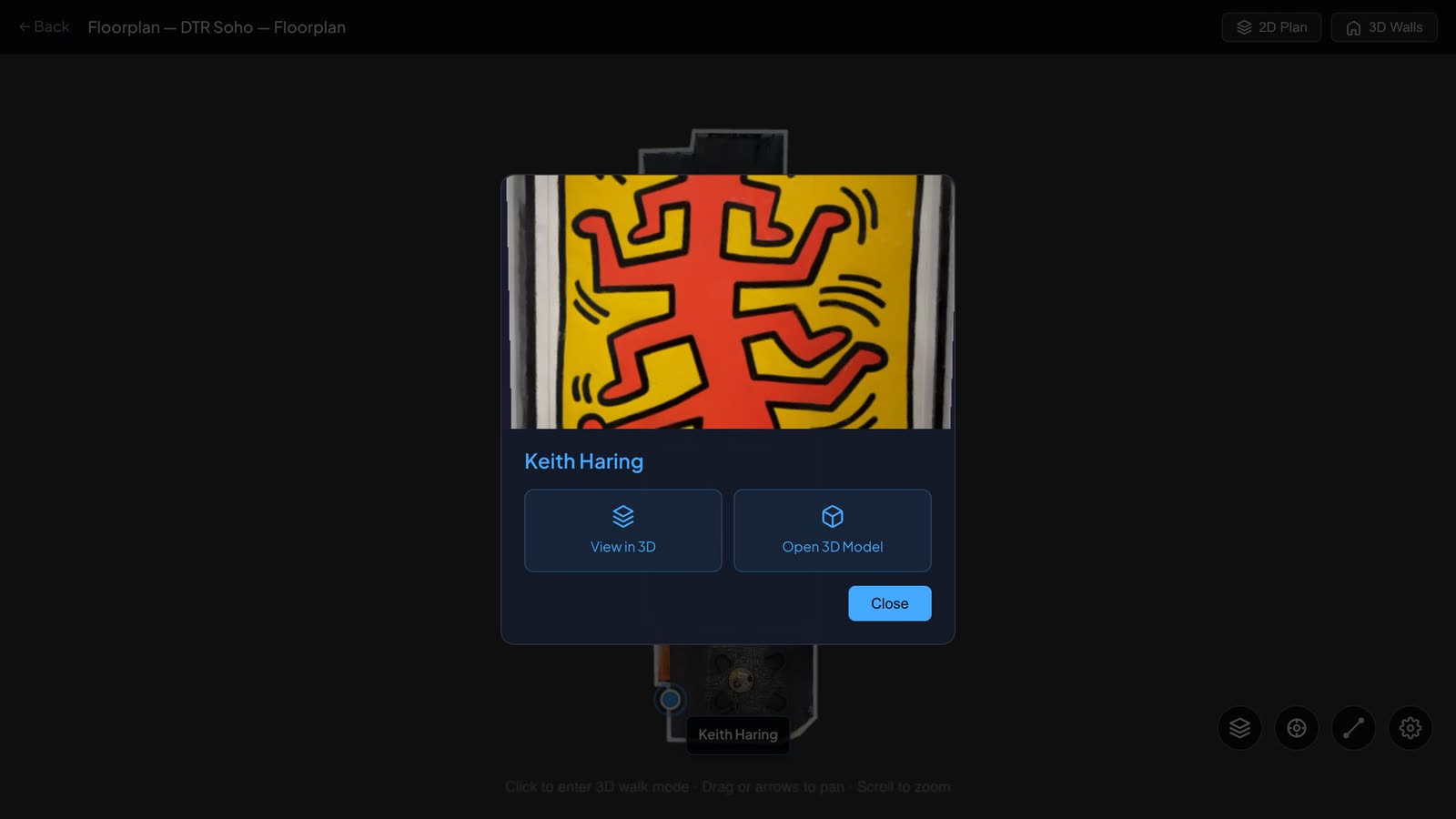
View in 3D puts you in the room, standing in front of the work where it hangs.
Open 3D Model opens the iPhone capture of the work itself, with a link back to the plan.
The room gives the work its context. The capture gives it its detail. Neither has to be found by searching: each is one step from the other.
Sharing
The gallery, the project and every work have their own public page. A link to a single work can go to a collector. A link to the artwork group shows everything captured so far. A link to the room lets them walk it. Any of these can be private, unlisted or public, with an optional password, and nothing has to be installed to open them.
Results
- The hang is on record. The room can be walked as it was on the day of the scan.
- Each work has its own capture. Four 3D models and one 39-photograph set, all made with an iPhone in the gallery.
- Context and detail are linked. Four markers on the plan lead to the works, and from each work back to the room.
- Surface is preserved. Relief and texture are visible in the models and in the full-resolution photographs.
- Open to anyone with the link. Public pages for the gallery, the project, the group and each work.
Where Else It Applies
- Galleries and dealers: remote viewing, exhibition archives, consignment records
- Museums and collections: object records tied to where an object is displayed or stored
- Insurance and logistics: condition before and after transport
- Interiors and retail: a space and the pieces in it, documented together
- Inspection: the same pairing of scan and phone capture, applied to assets rather than art
How It Is Built
- Capture: 3D scanner for the room; iPhone for the works, uploading through a token-based API
- Frontend: SvelteKit, three.js, LCC Web SDK for splat rendering
- Backend: Firebase App Hosting, Firestore, Firebase Authentication
- Storage: Google Cloud Storage, signed URLs, ranged streaming of splat data by level of detail
- Floorplans: drawn over the scan, exported to OpenPlan3D
About RadianceView
RadianceView is an inspection-grade visualization platform for high-fidelity spatial data, designed and built by Laan Labs.
To talk about documenting a space or a collection, request access or email labs@laan.com.