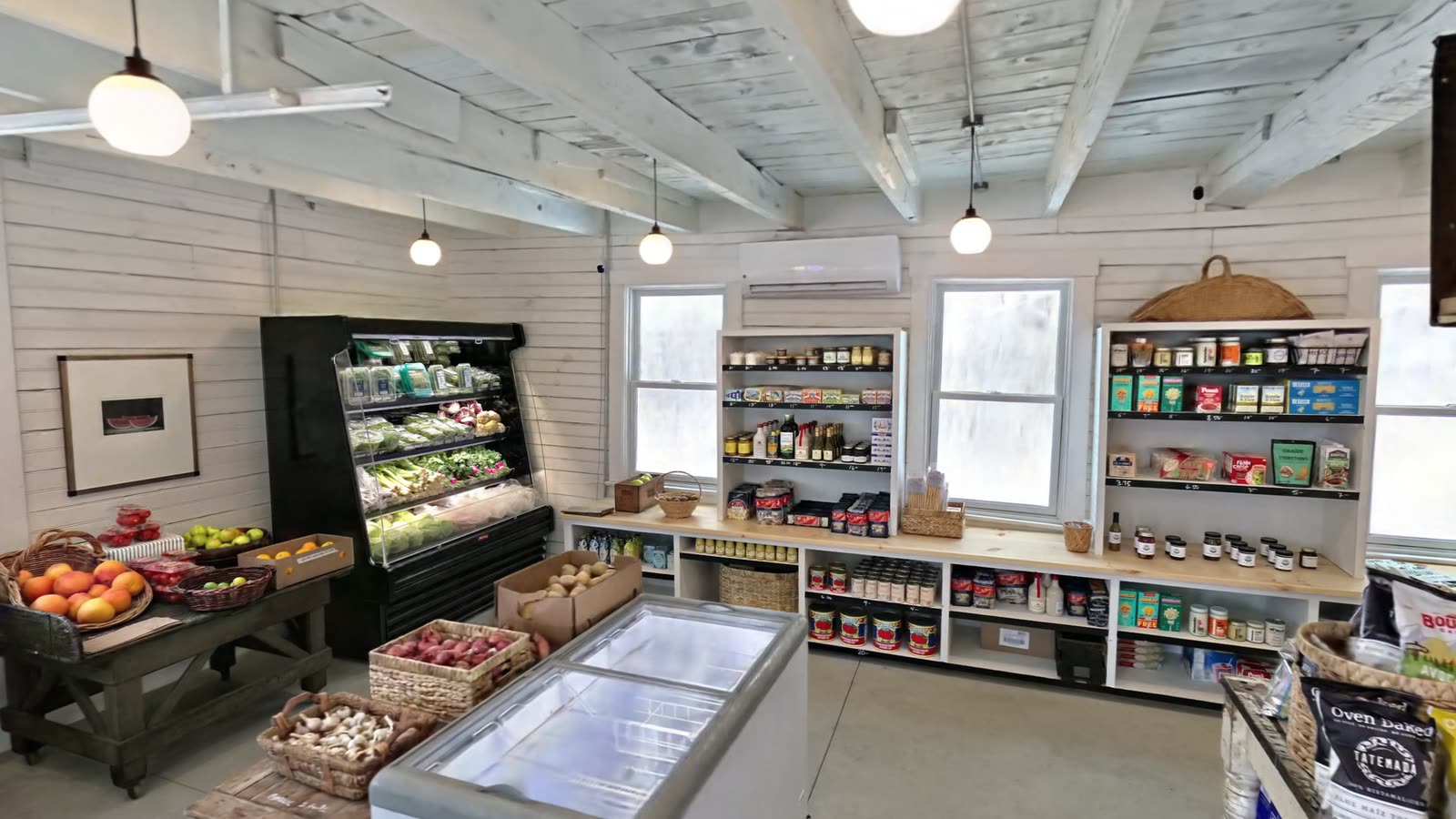
A Shelf Changes Every Week
A store is a space and a stock. The space stays put. The stock moves: products arrive, sell out, change shelf and change price. A photograph of a shelf shows what was there on one day from one angle, and a product photograph shows one side of a package with nothing around it.
Tiny Town, a small grocery in the Hudson Valley, was documented with RadianceView to keep both: the store as it was stocked, and single products as objects you can turn around.
Two Captures
| The store | The products | |
|---|---|---|
| Tool | 3D scanner | Phone |
| Covers | The whole store in one pass | One product at a time |
| Result | A Gaussian splat you can walk through | A textured 3D model |
| Answers | Where is it? What is next to it? | What is it? What does the label say? |
The Store
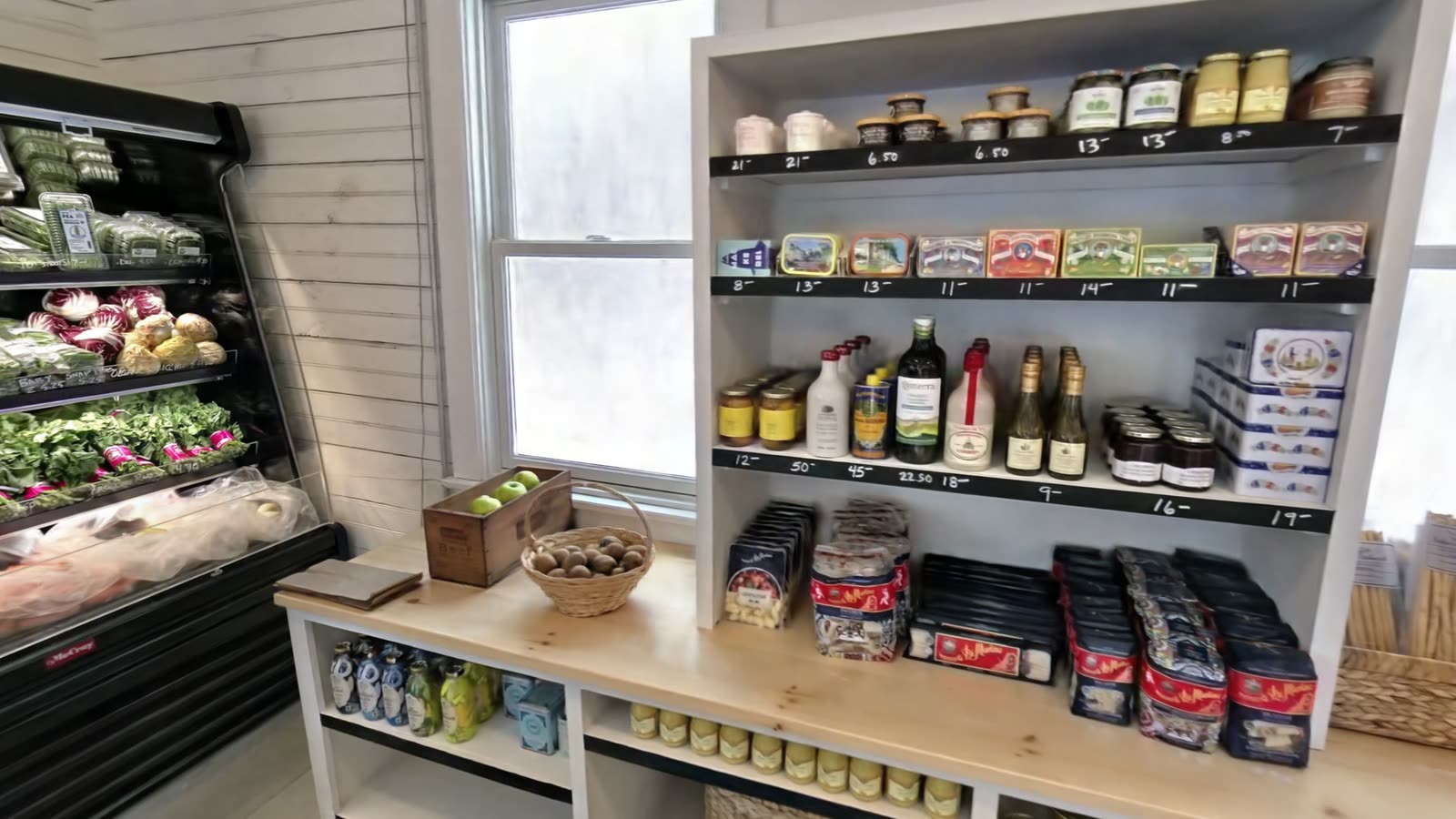
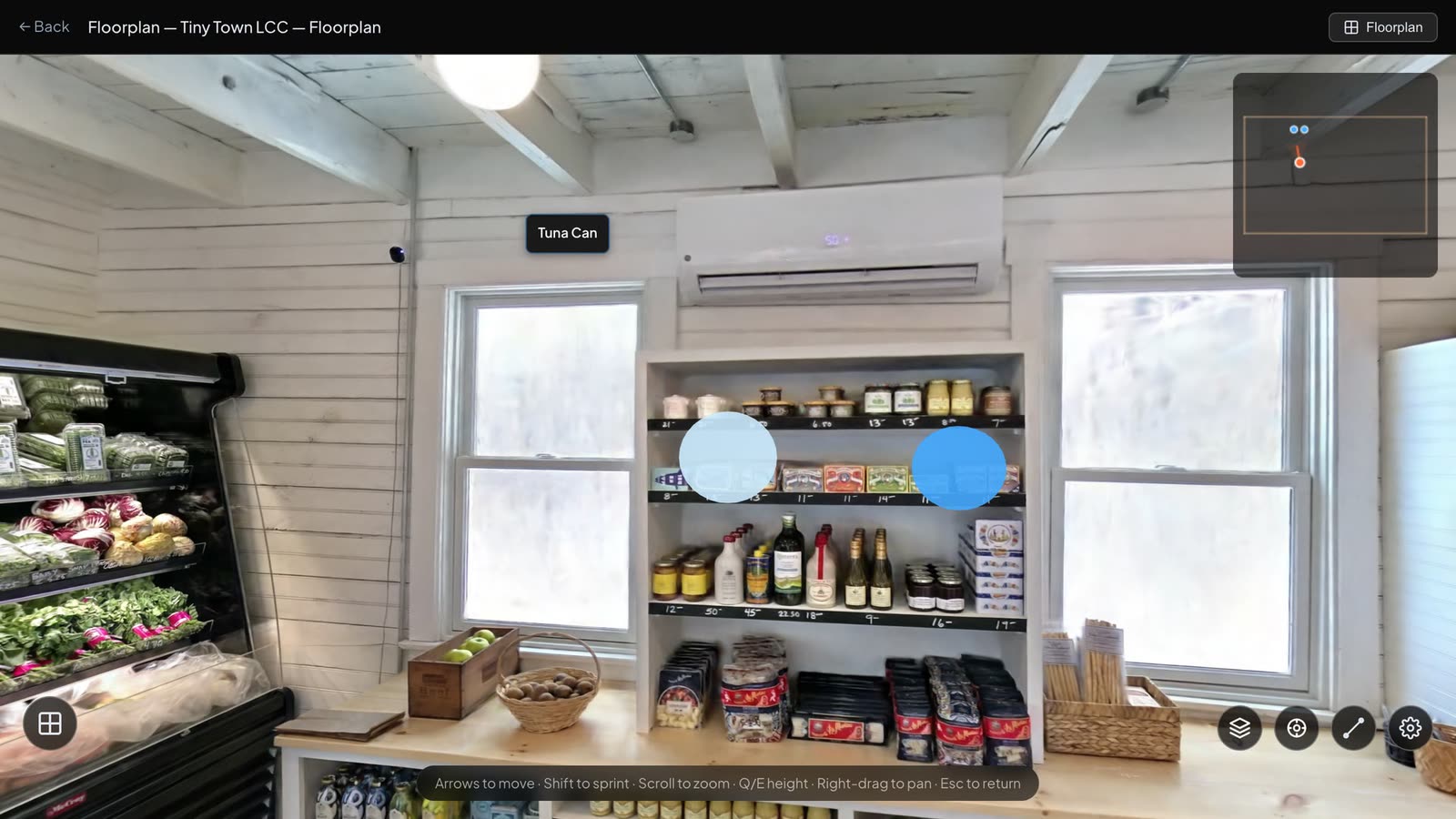
The store was scanned in one pass and uploaded as a single scene of 135 MB. In the browser you walk the aisle past the produce, the fridges and the shelves, at the scale of the room.
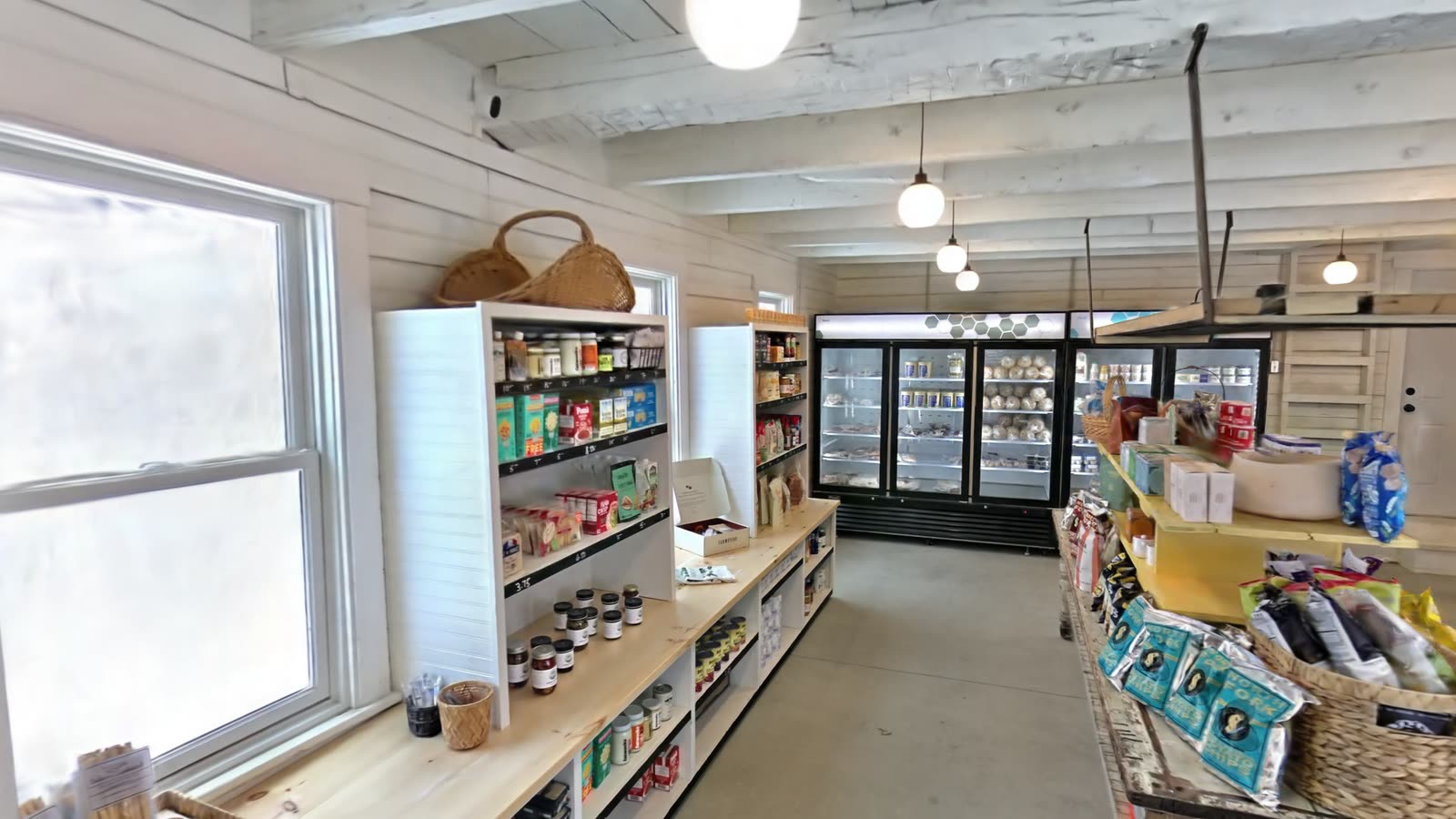
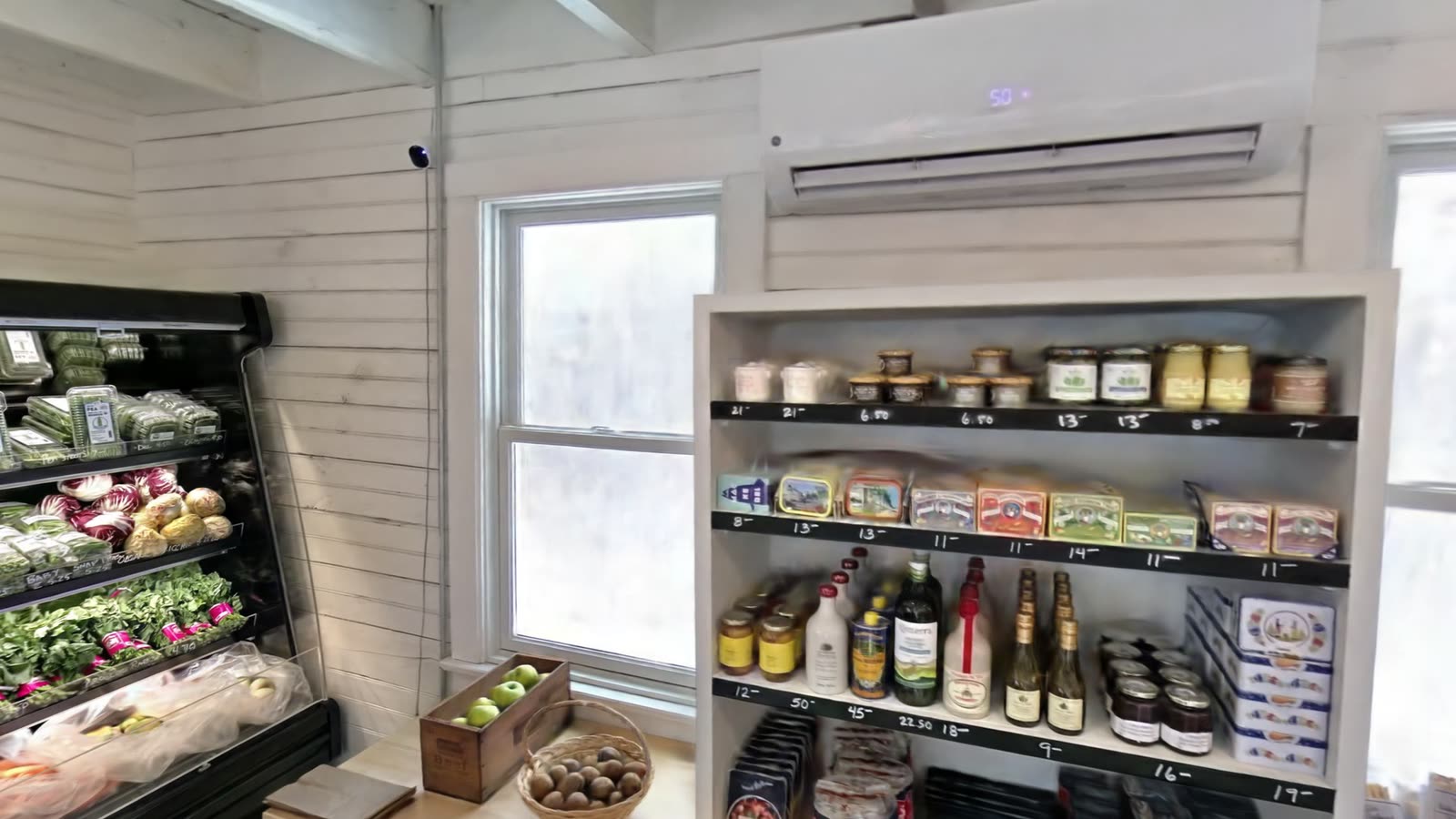
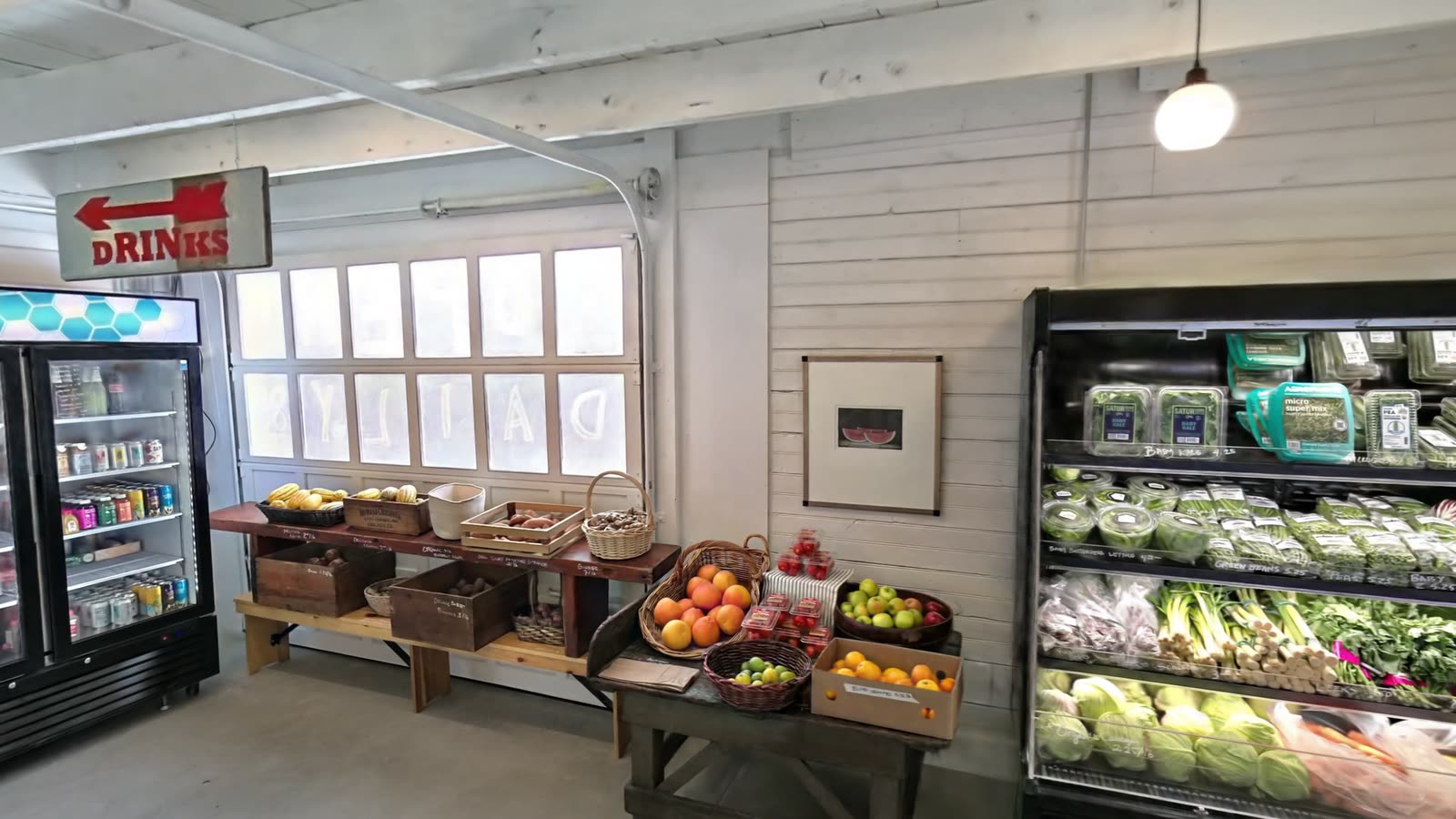
The scene is a record of the stock on the day of the scan: what was on which shelf, how much of it was facing the customer, and what was priced at what.
A Plan Drawn over the Scan
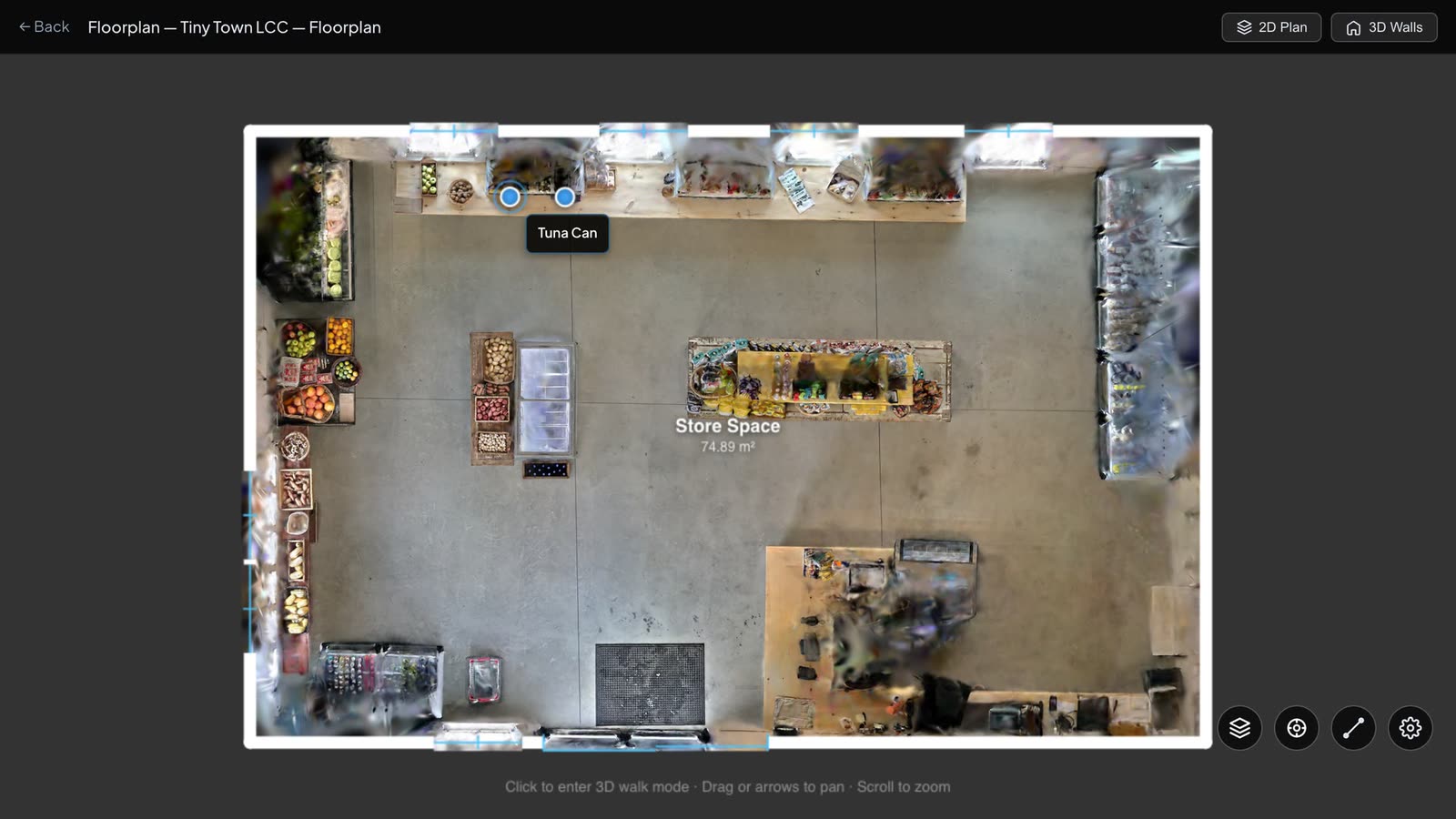
A floorplan was traced over a top-down view of the scan. The store measures 10.82 by 6.92 metres, or 74.9 square metres, with one sliding door and seven windows.
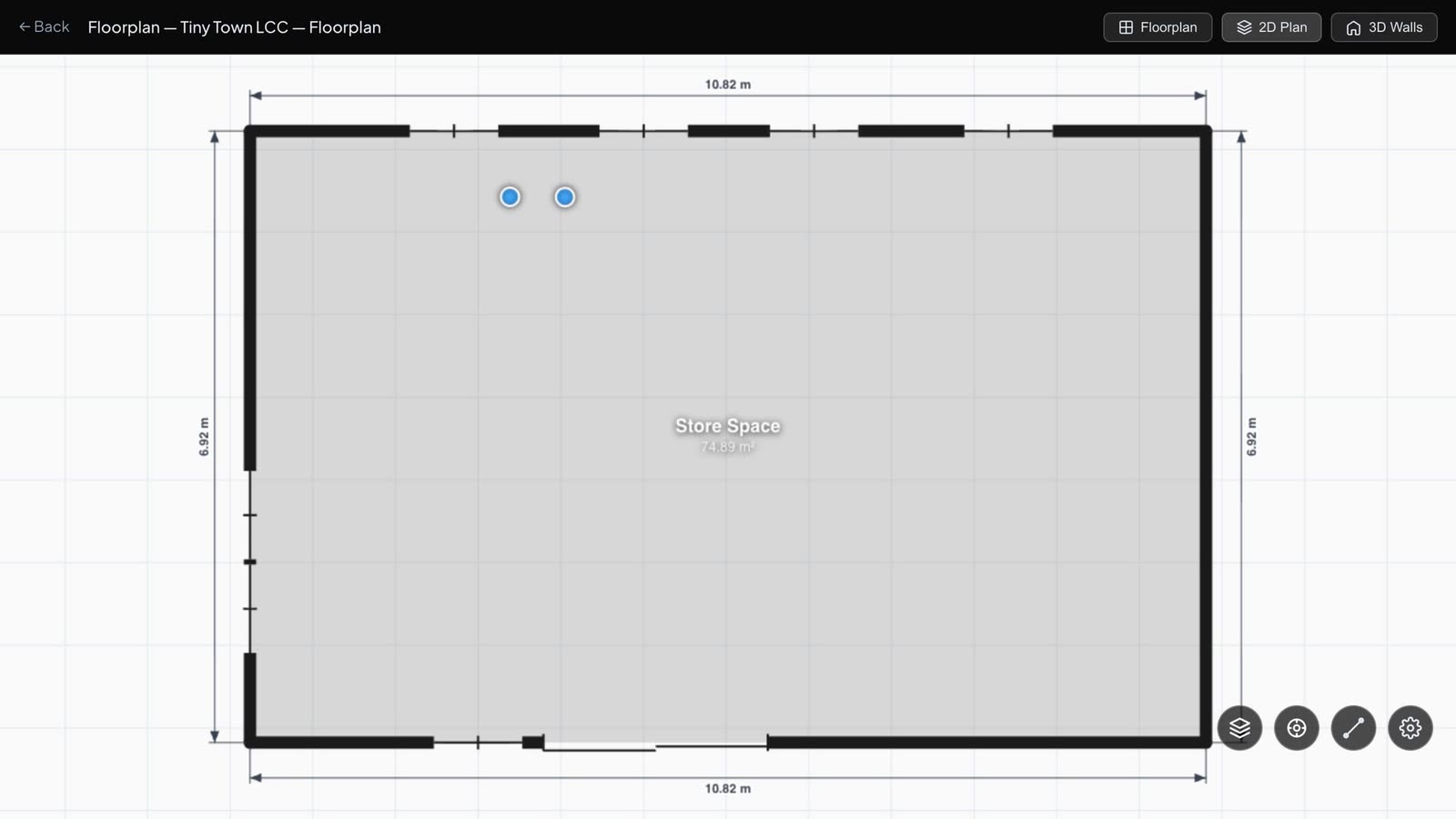
Measurements can also be taken directly in the scene and saved with it. One saved with this scan reads 1.16 metres.
The Products
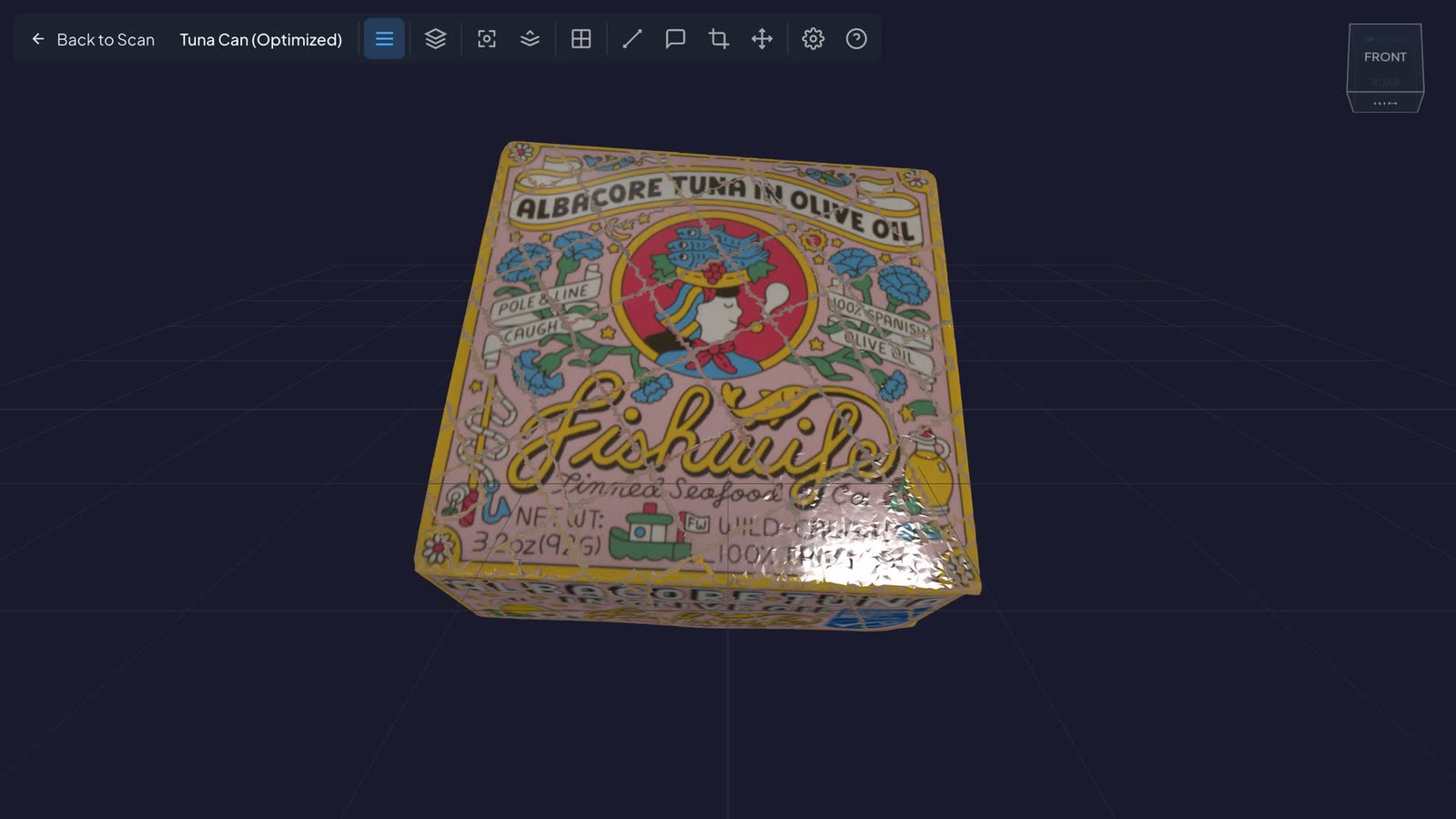
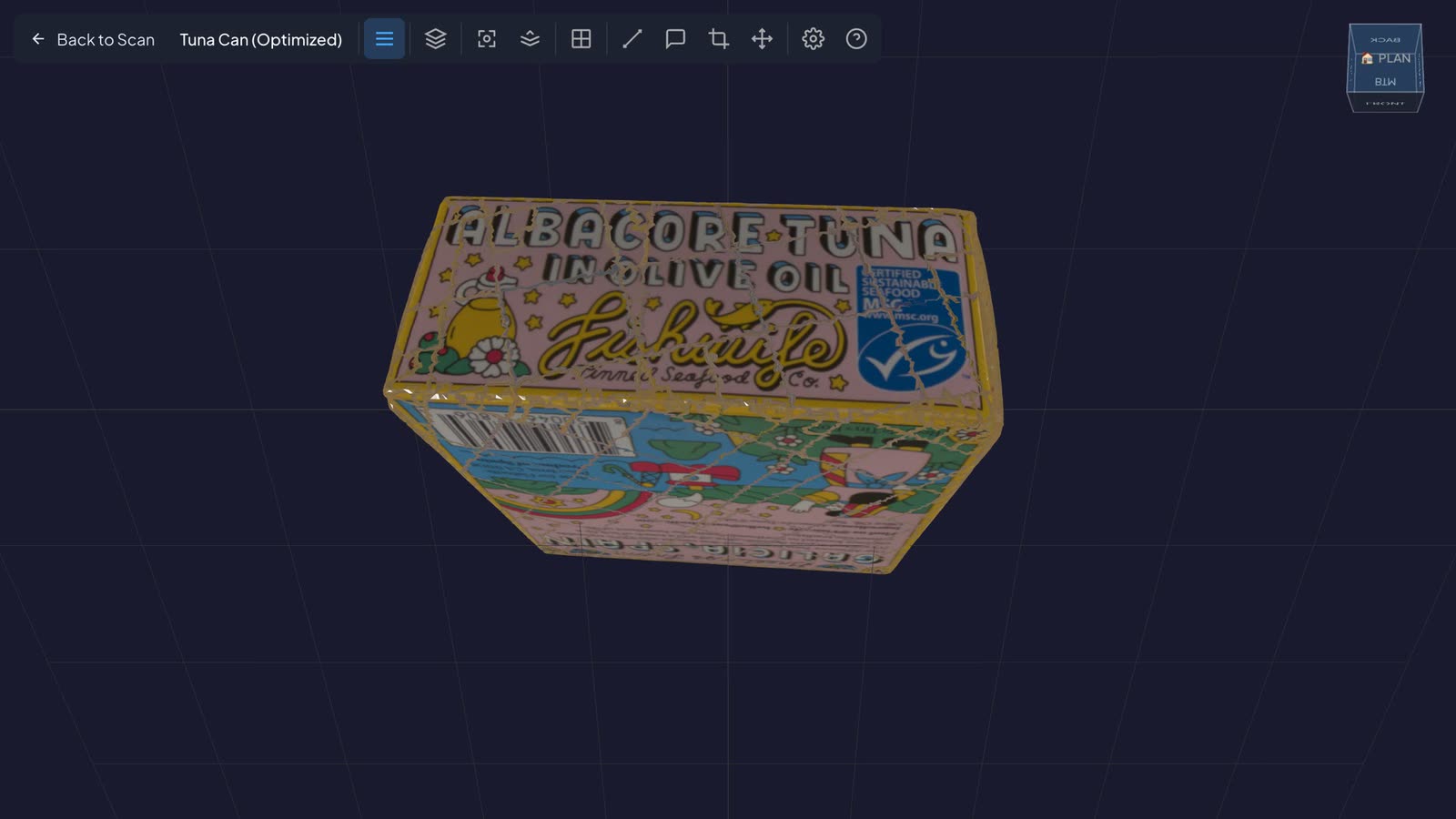
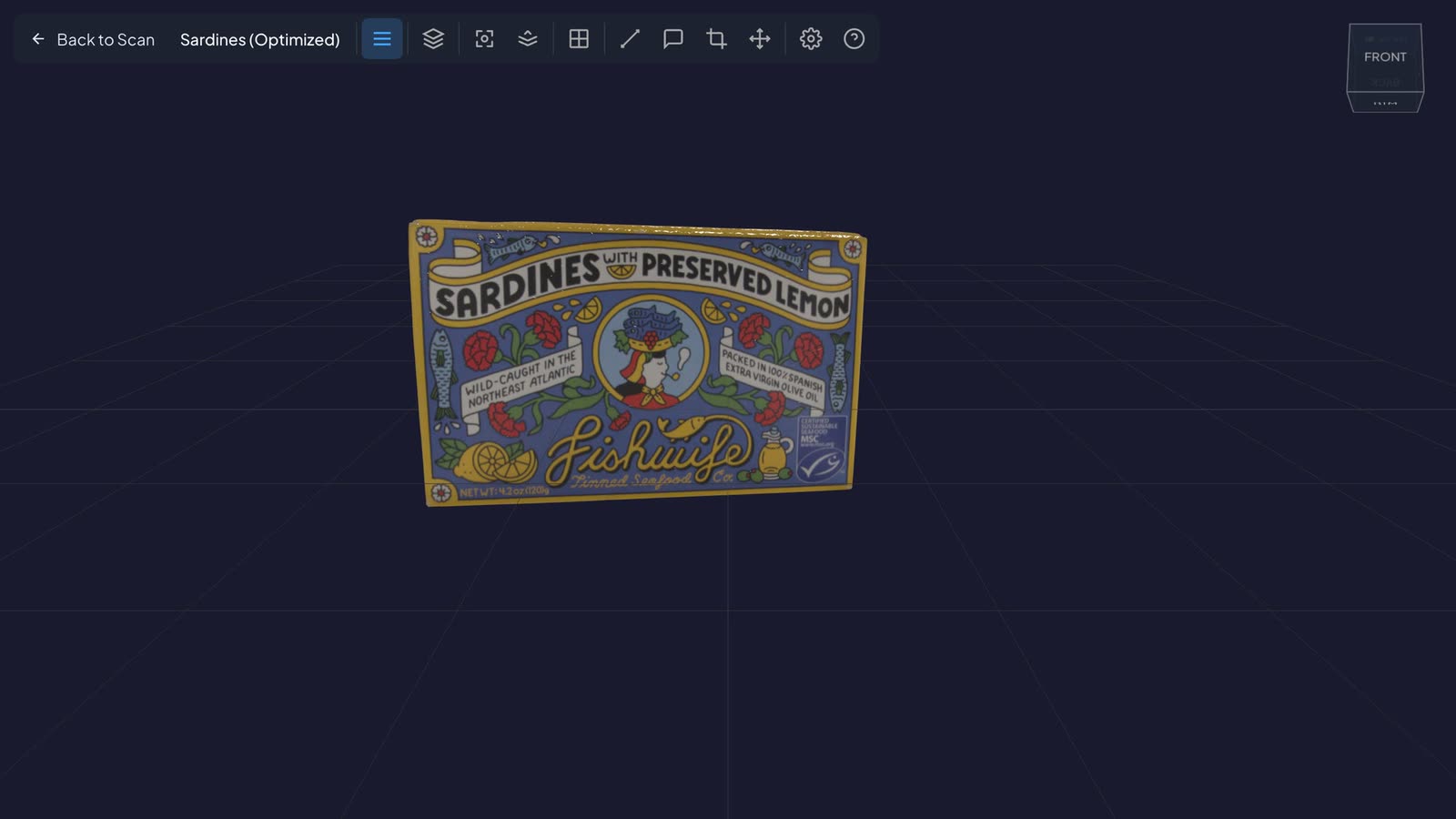
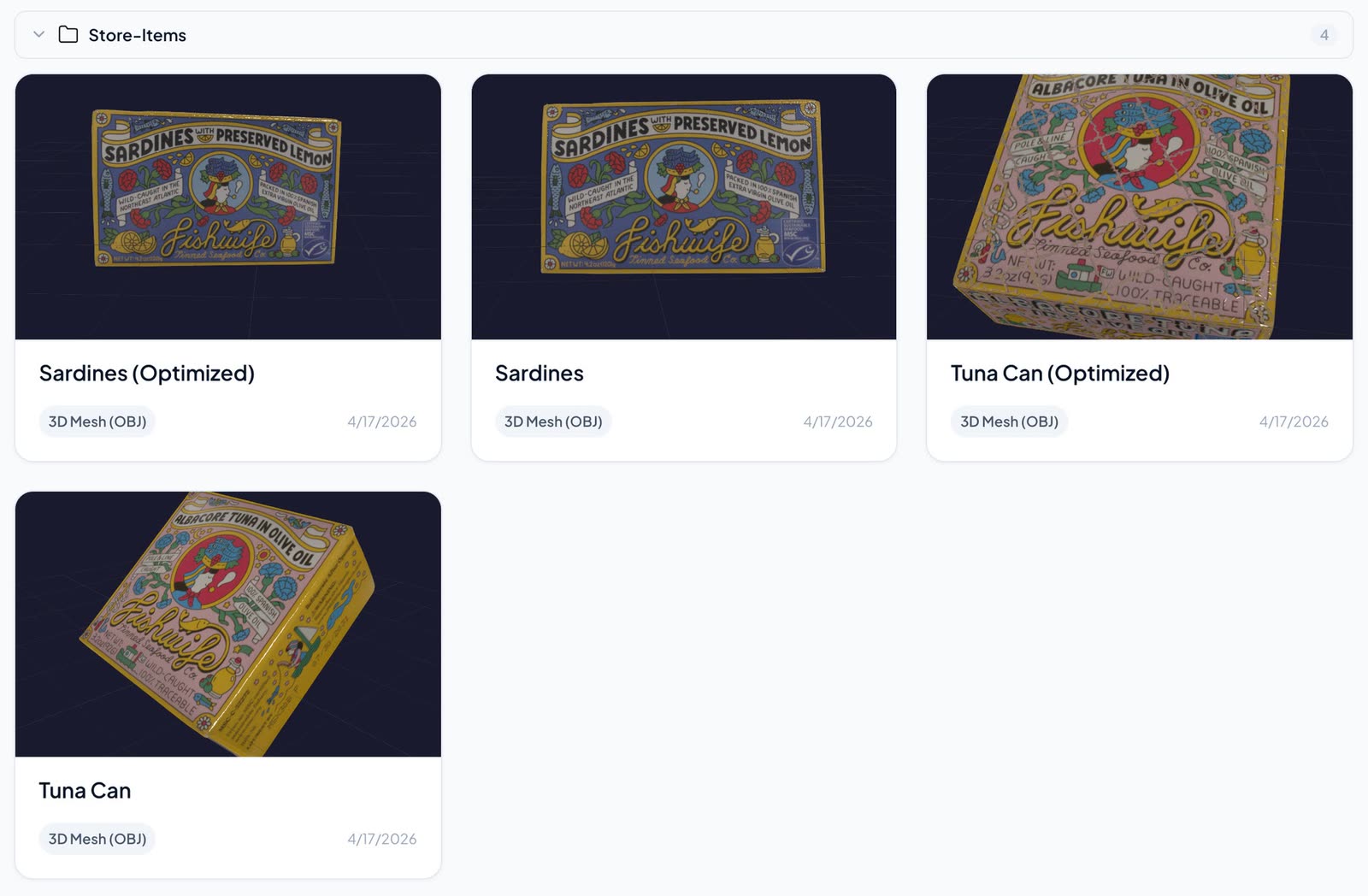
Two products were then captured on their own with a phone: a tin of albacore tuna and a tin of sardines. Each became a textured 3D model that can be turned in the browser.
Why a Model and Not a Photograph
A package has six sides. The front carries the brand. The back and the sides carry what a buyer, a distributor or a regulator needs: ingredients, nutrition, origin, barcode. The model has all of them.
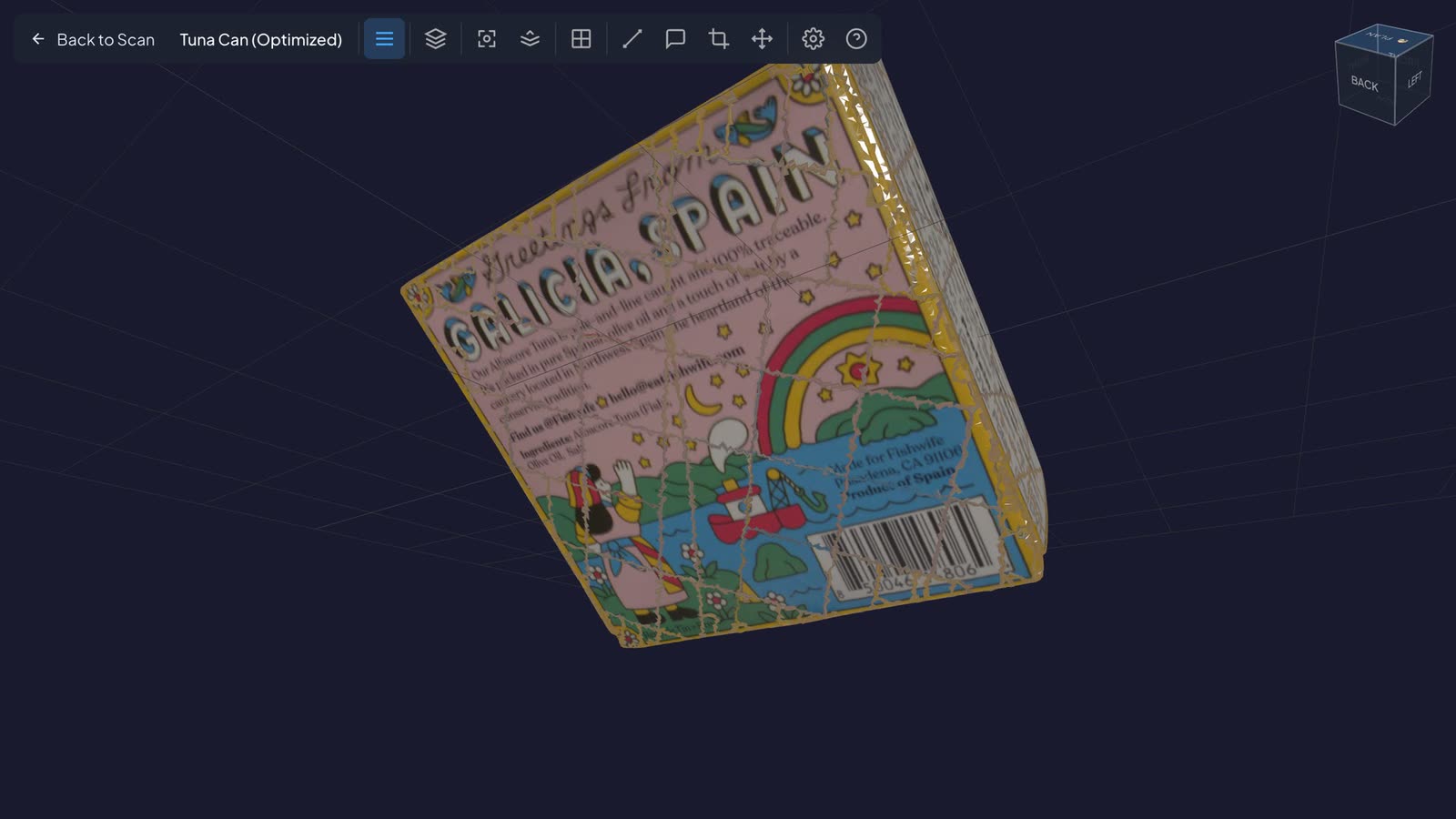
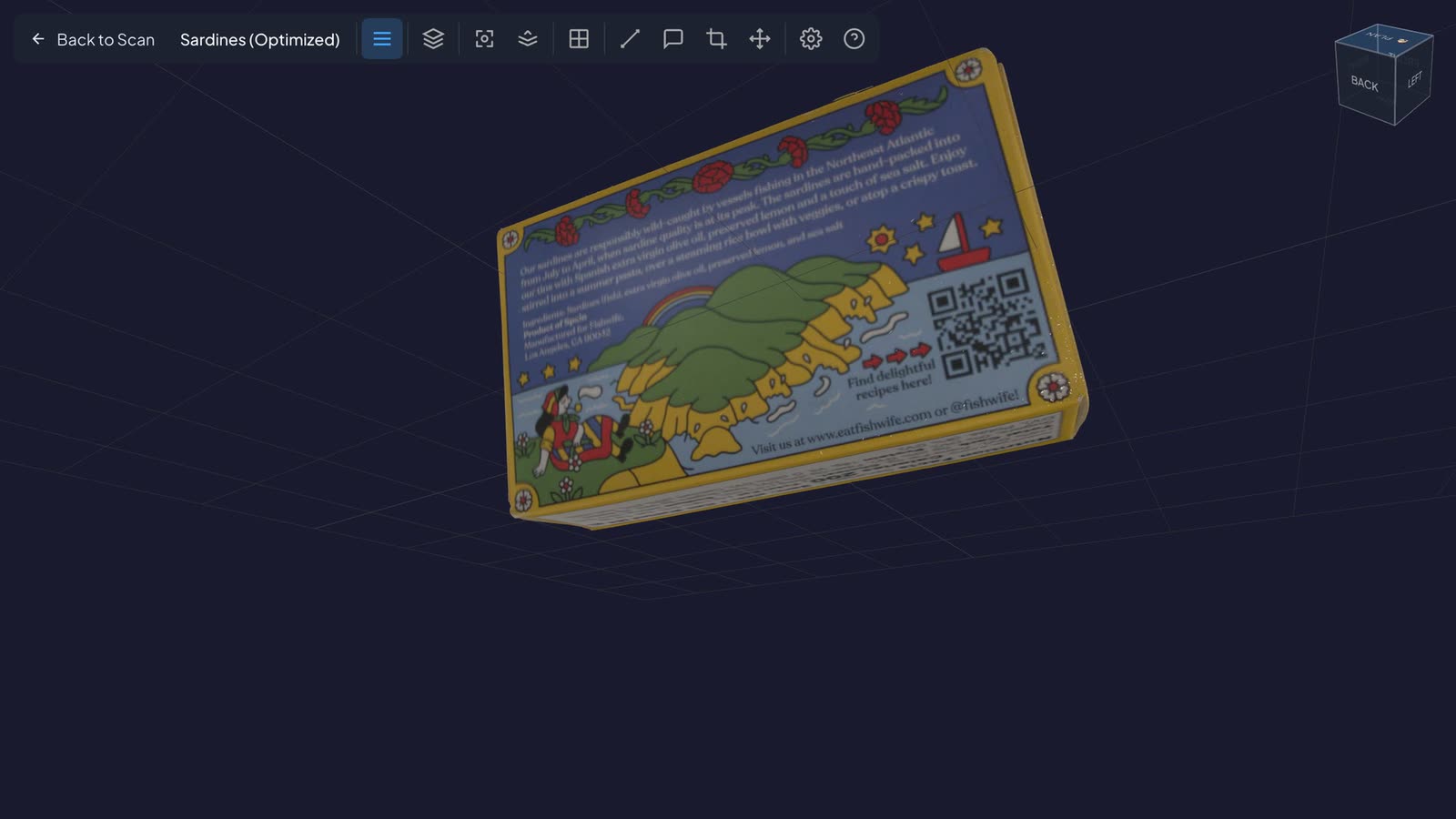
A phone is enough. No studio, turntable or lighting rig. The product is captured where it is.
Two versions of each. Every model is stored at full detail and as a lighter version for the web.
| Product | Full detail | For the web |
|---|---|---|
| Tuna tin | 130 MB | 10 MB |
| Sardine tin | 329 MB | 31 MB |
Tying Them Together
Two markers sit on the floorplan, at the shelf where the tins are sold. A marker shows the product's thumbnail and offers two ways on.
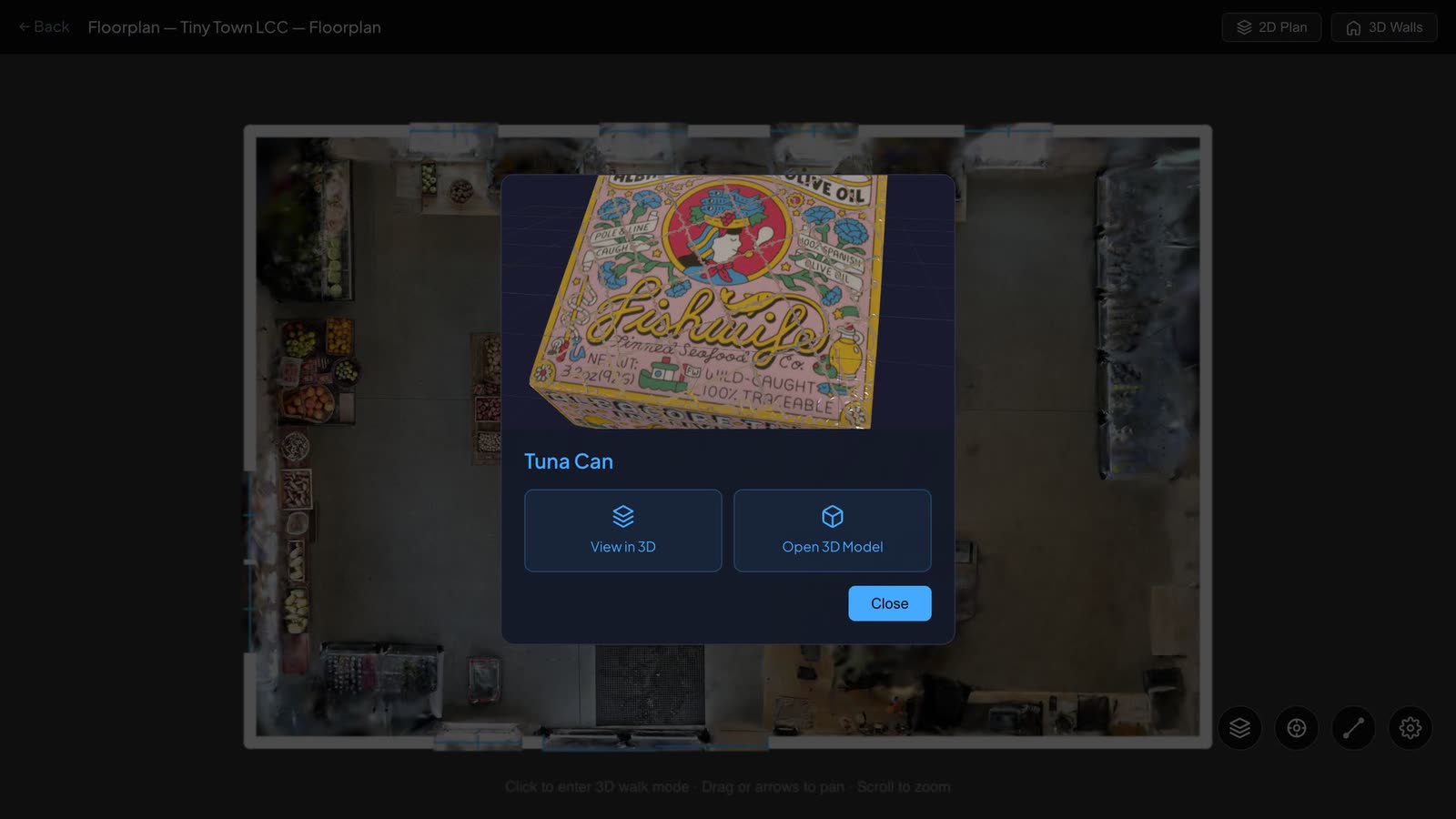
View in 3D puts you in the store, in front of the shelf, with the markers on the products.
Open 3D Model opens the phone capture of the product itself, with a link back to the plan.
The store gives the product its place. The model gives it its detail. Each is one step from the other.
Sharing
The store, the plan and every product have their own page. Each can be private, unlisted or public, with an optional password, and nothing has to be installed to open them.
Results
- The store is on record. It can be walked as it was stocked on the day of the scan.
- Products are objects, not pictures. Two products captured with a phone, every side readable.
- Place and detail are linked. Two markers on the plan lead to the products, and from each product back to the store.
- A measured plan. 74.9 m², drawn over the scan, with door and windows.
- Light enough for the web. Models of 10 MB and 31 MB alongside the full-detail originals.
Where Else It Applies
- Retail: planograms checked against the shelf, remote store visits, shelf audits
- Brands and distributors: how a product is placed and faced, store by store
- E-commerce: a product model and its setting from the same visit
- Showrooms and markets: a space and the pieces in it, documented together
- Inventory and insurance: stock and fittings on record on a known date
How It Is Built
- Capture: 3D scanner for the store; phone for the products
- Frontend: SvelteKit, three.js, LCC Web SDK for splat rendering
- Backend: Firebase App Hosting, Firestore, Firebase Authentication
- Storage: Google Cloud Storage, signed URLs, ranged streaming of splat data by level of detail
- Floorplans: drawn over the scan, with markers linked to other captures, exported to OpenPlan3D
About RadianceView
RadianceView is an inspection-grade visualization platform for high-fidelity spatial data, designed and built by Laan Labs.
To talk about documenting a store or a product range, request access or email labs@laan.com.